The family week, without the nagging.
Everyone's week, the meal plan, a grocery list that writes itself, and chores that take turns. In one calm place.
It opens like an app from your own link, on your phone, tablet or computer. No account, no app store, no monthly fee, and everything stays on your device.
- Opens like an app, nothing to install
- Works offline
- No account, no sign up
- Pay once, keep it
$18 once. Never a subscription.
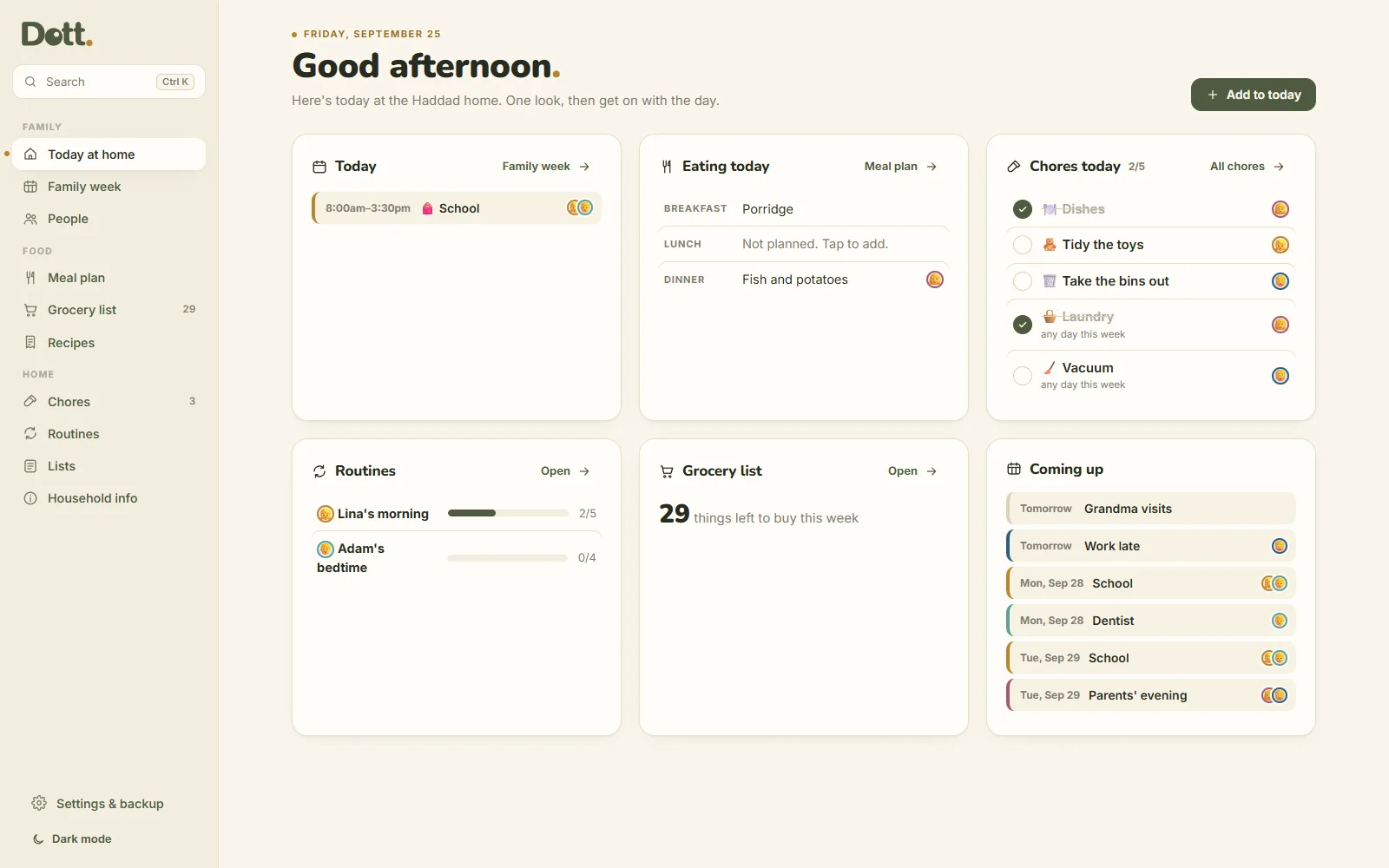
Running a home is a lot of small questions.
What's for dinner. Who's picking up. Whose turn it is. What we need from the shop. Dott. answers them in one place, so fewer of them need asking.
Without a plan
- Dinner gets decided at 6pm, every day
- The shopping list lives in three people's heads
- "Whose turn is it?" starts an argument
- The week's appointments are in someone's phone
- Chore charts on the fridge turn into a scoreboard
With Dott. Family & Meals
- The week's meals planned once, on Sunday
- The grocery list builds itself, sorted by aisle
- Chores take turns on their own
- Everyone's week on one page, a colour each
- Nothing turns red. Missed chores just wait
The whole house sees its small wins.
Chores and routine steps are ticked on one page, with who did what today.
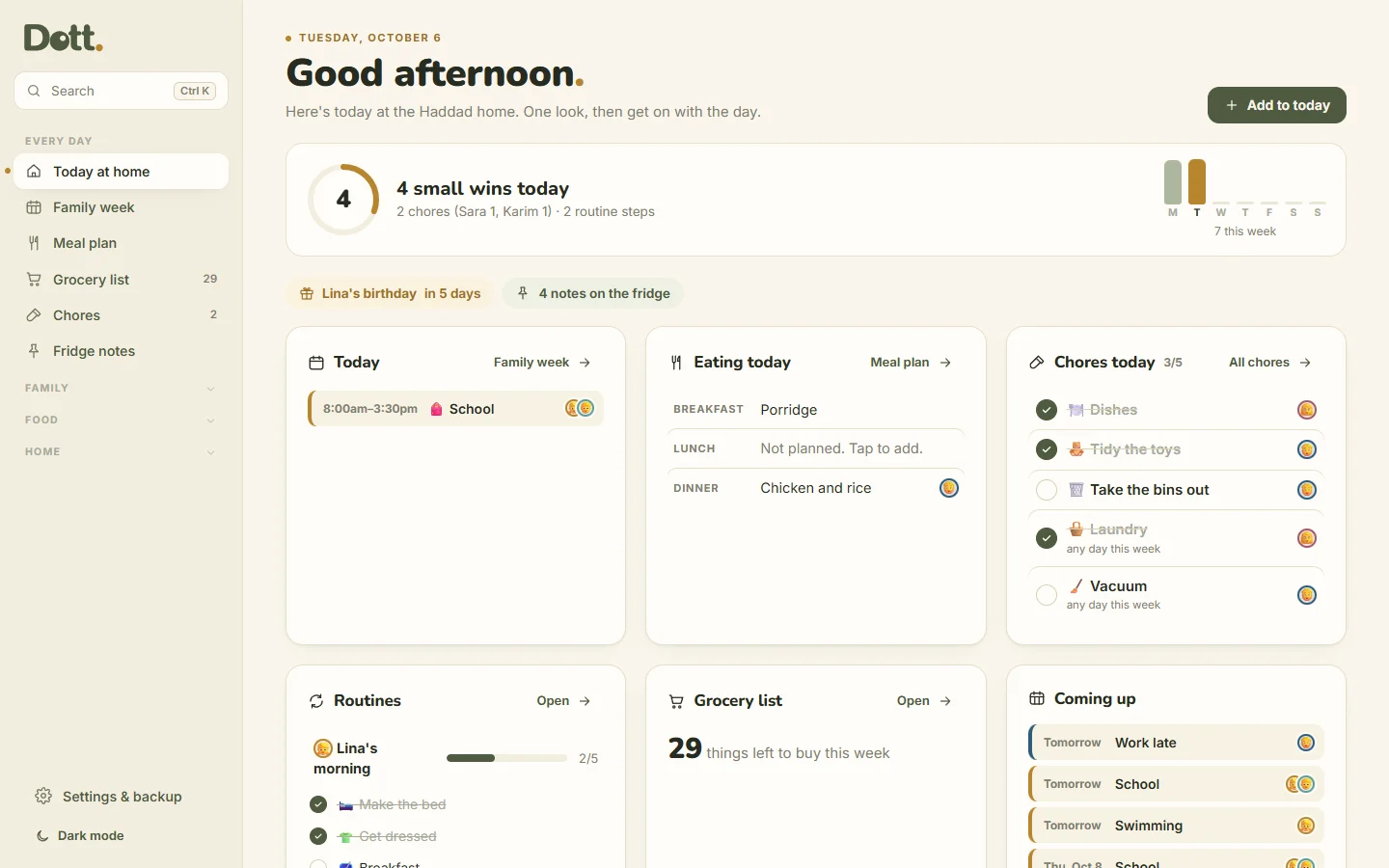
- Small wins for the whole house: the chores and routine steps ticked today, and who did them.
- Routines open out on Today at home, so every step is ticked without leaving the page.
- A shorter menu: the pages you open every day first, the rest one tap away.
- A soft "+1 small win" when you tick. No streaks, and nothing turns red.
Everything the home runs on.
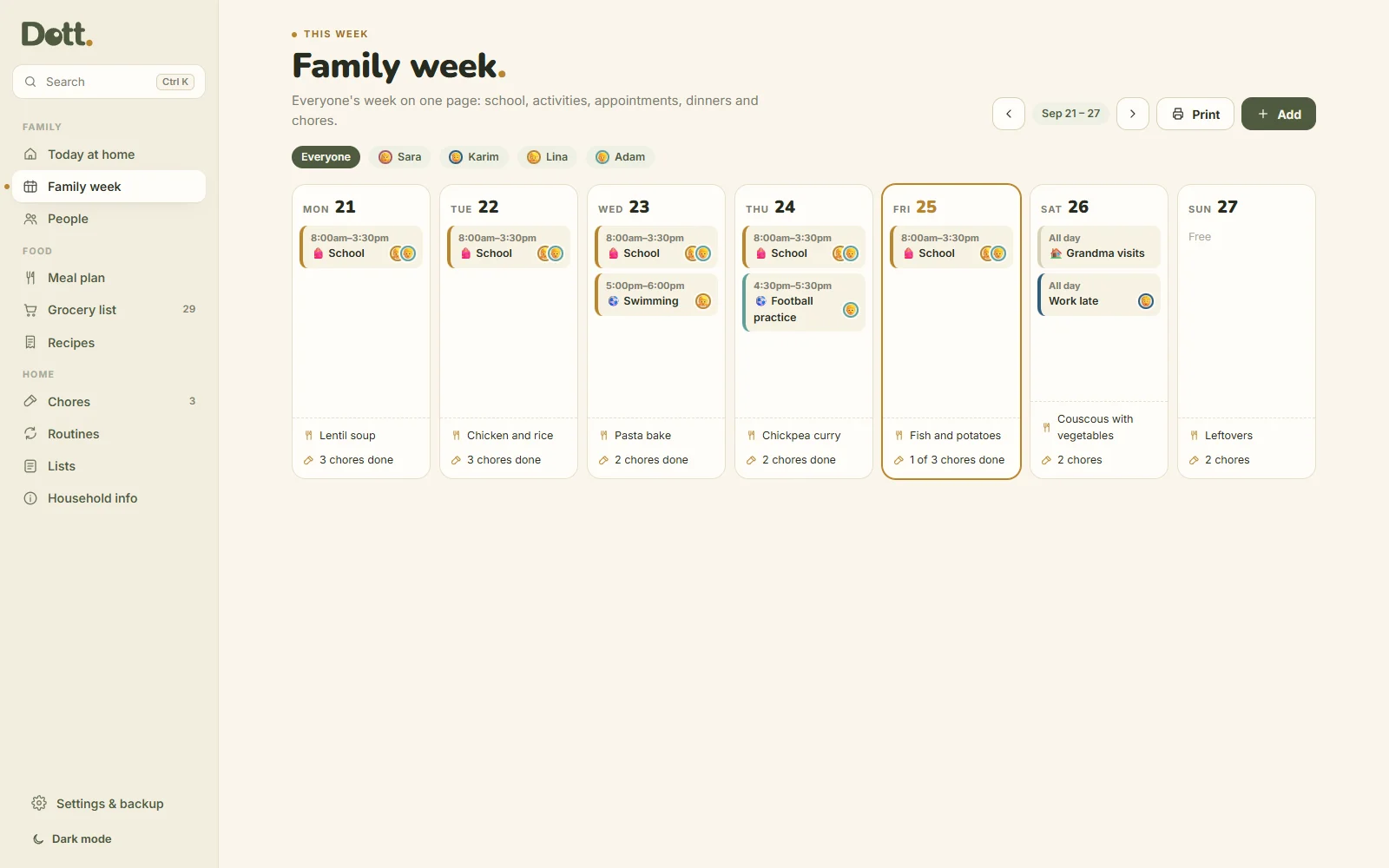
The family week
School, activities, appointments and dinners for everyone, Monday to Sunday. Each person has a colour, so the week reads at a glance. Tap a name to see just their week.
Meal plan and recipes
Save your family's regulars once. Then planning a day is one tap: pick a recipe, or type a quick meal like "leftovers". Choose who's cooking. Next week, repeat last week in one tap.
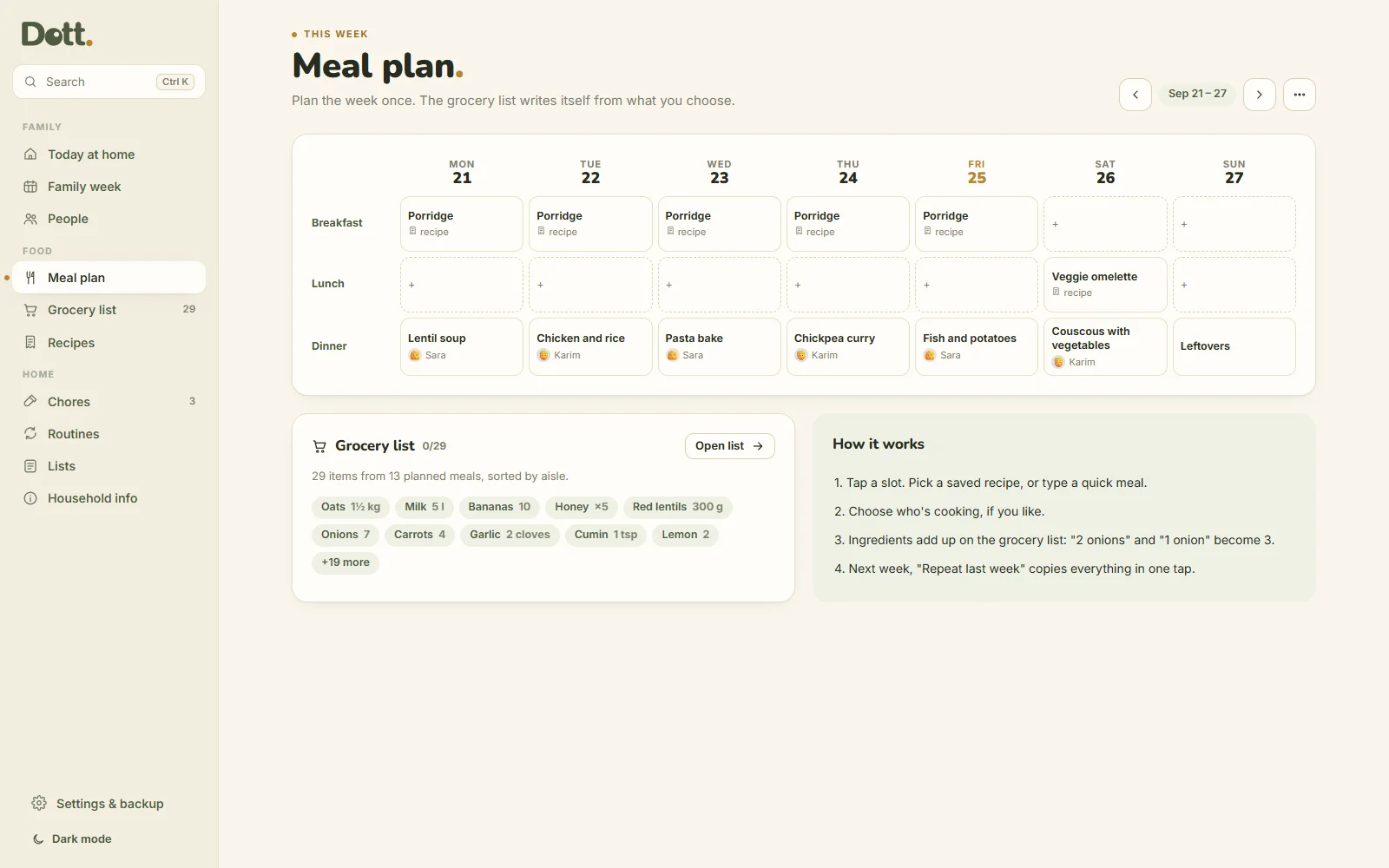
A grocery list that writes itself
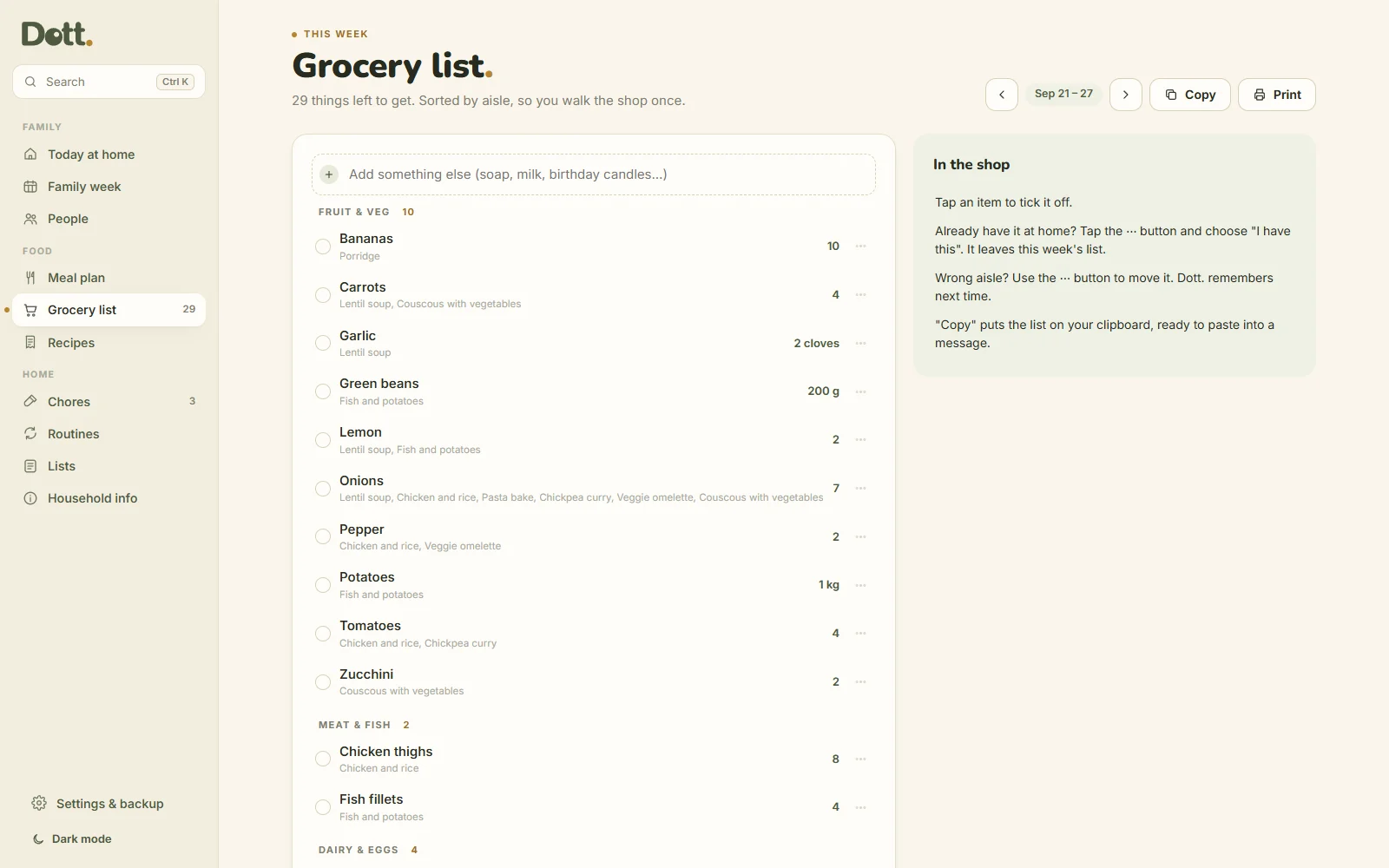
Ingredients from the week's meals add up and sort by aisle. "2 onions" and "1 onion" become 3. 300 g and 500 g of rice become 800 g. Tick items off in the shop, or copy the list into a message.
Chores that take turns
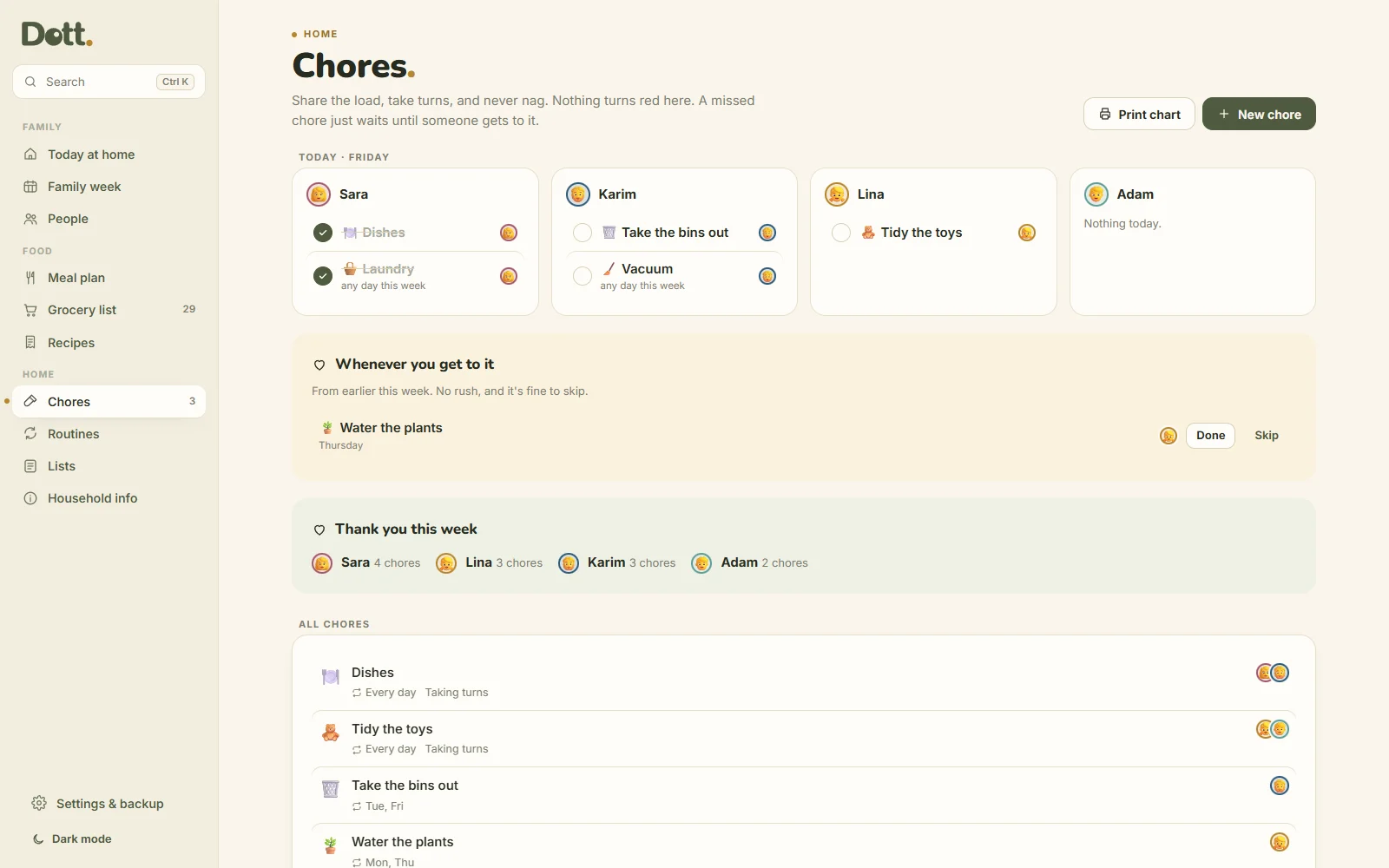
Every day, on certain days, or once a week on any day. Give a chore to two people and tick "take turns", and it rotates by itself. Nothing is ever marked late: a missed chore waits in "whenever you get to it".
Routines kids can tap
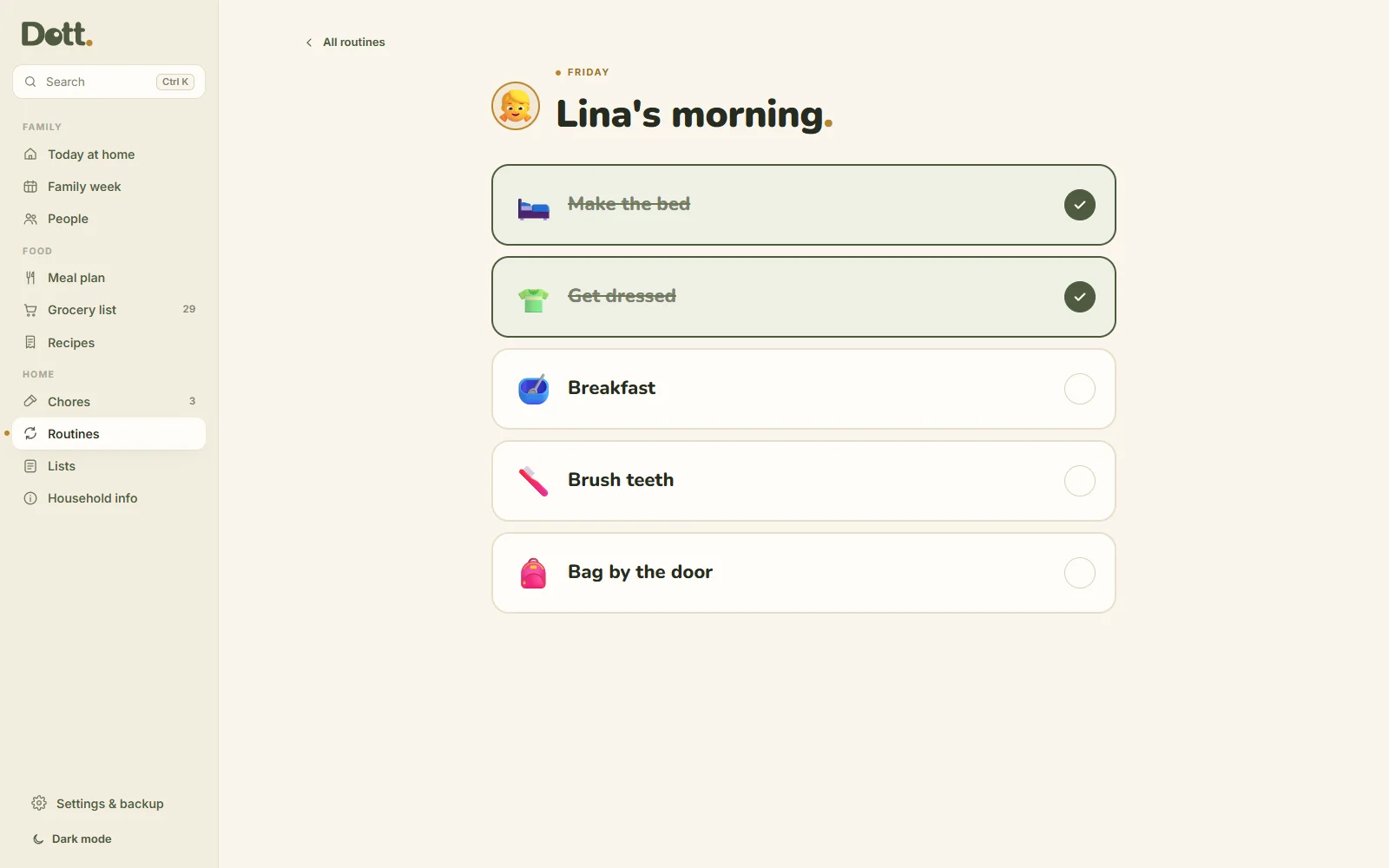
Morning and bedtime checklists with a picture for each step. Open one big on screen and let them tick it themselves. It starts fresh every day, with no streak to lose.
Lists and household info
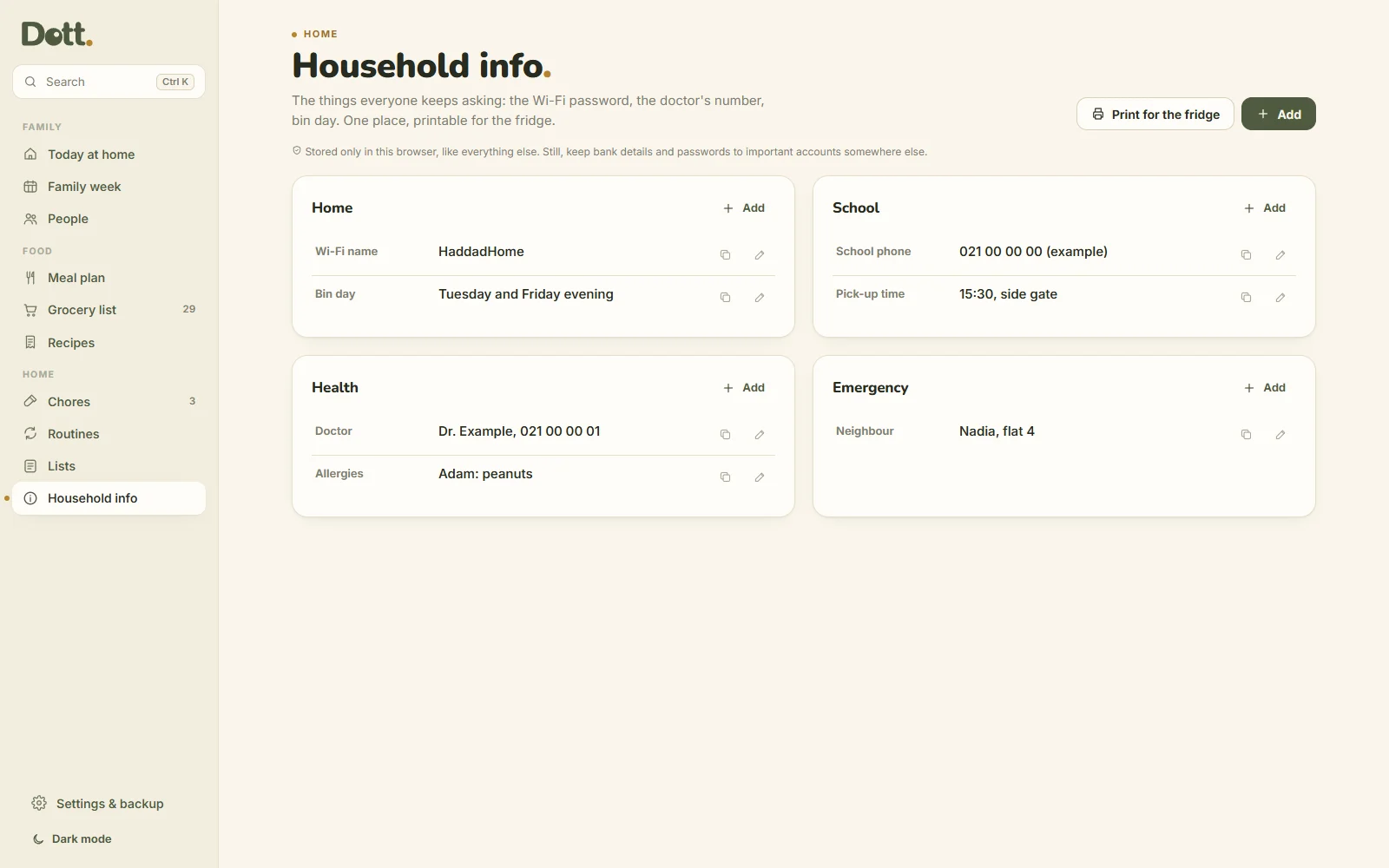
Packing, school things, repairs, gift ideas. Plus the answers everyone keeps asking for: the Wi-Fi, bin day, the doctor, the school phone. Print it for the fridge or the babysitter.
The whole house, on the same page.
Nine new pages, free for everyone who already has Family & Meals.
What's for dinner? Sorted
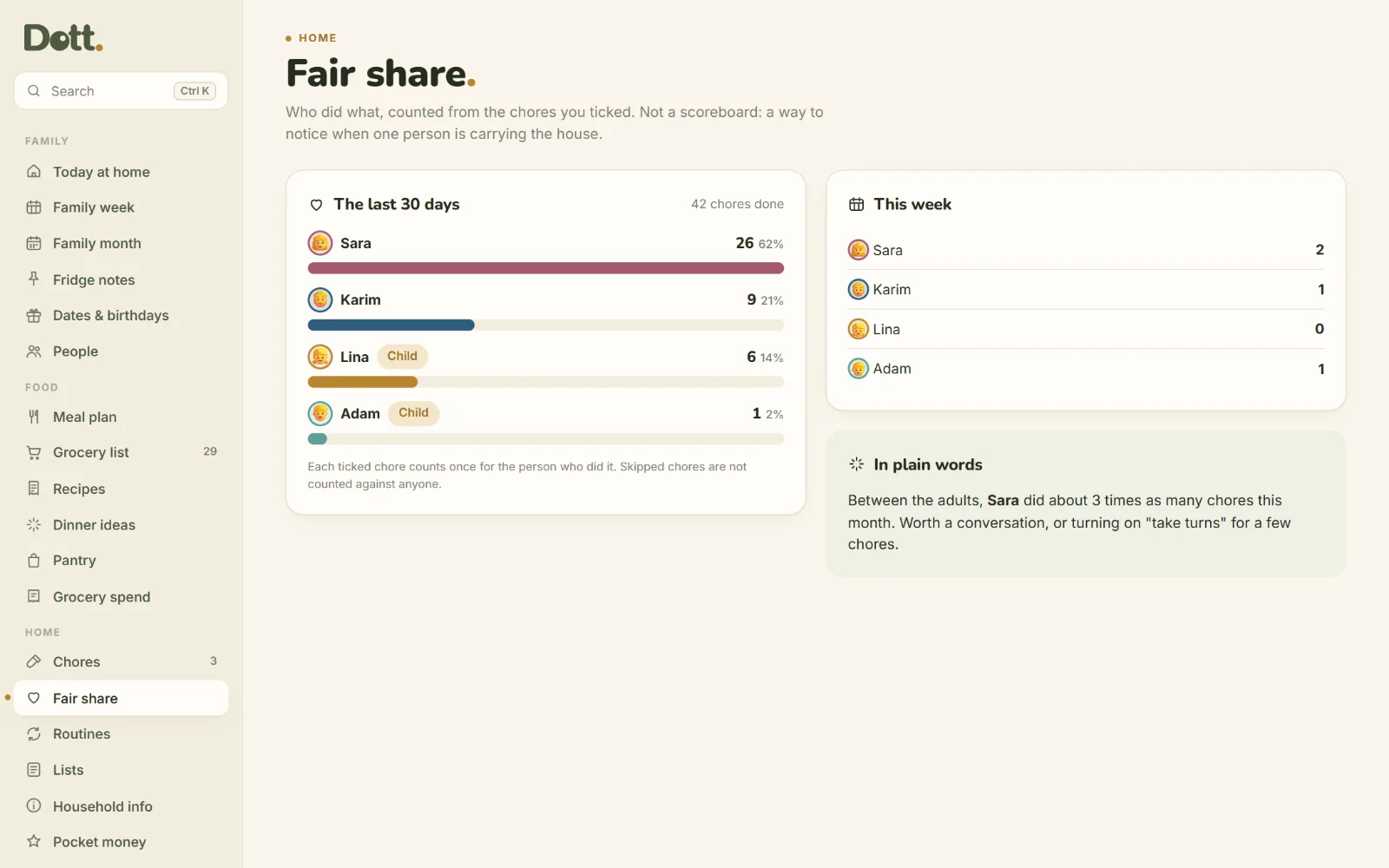
Out of ideas? One tap picks from your own recipes. Another fills every empty dinner this week, and the grocery list updates itself.
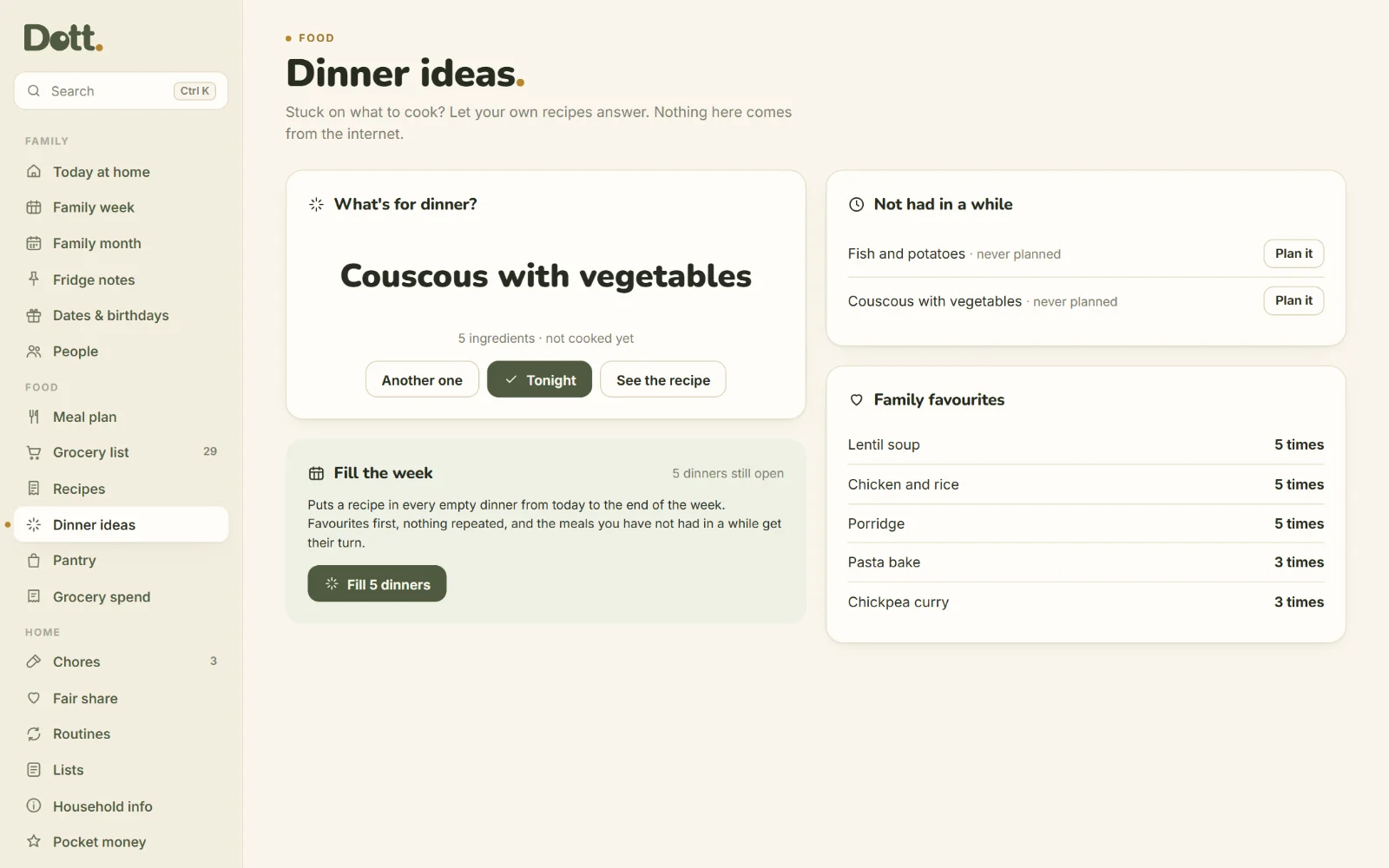
The family month
Everyone's month on one page, each person in their colour, with birthdays and school dates.
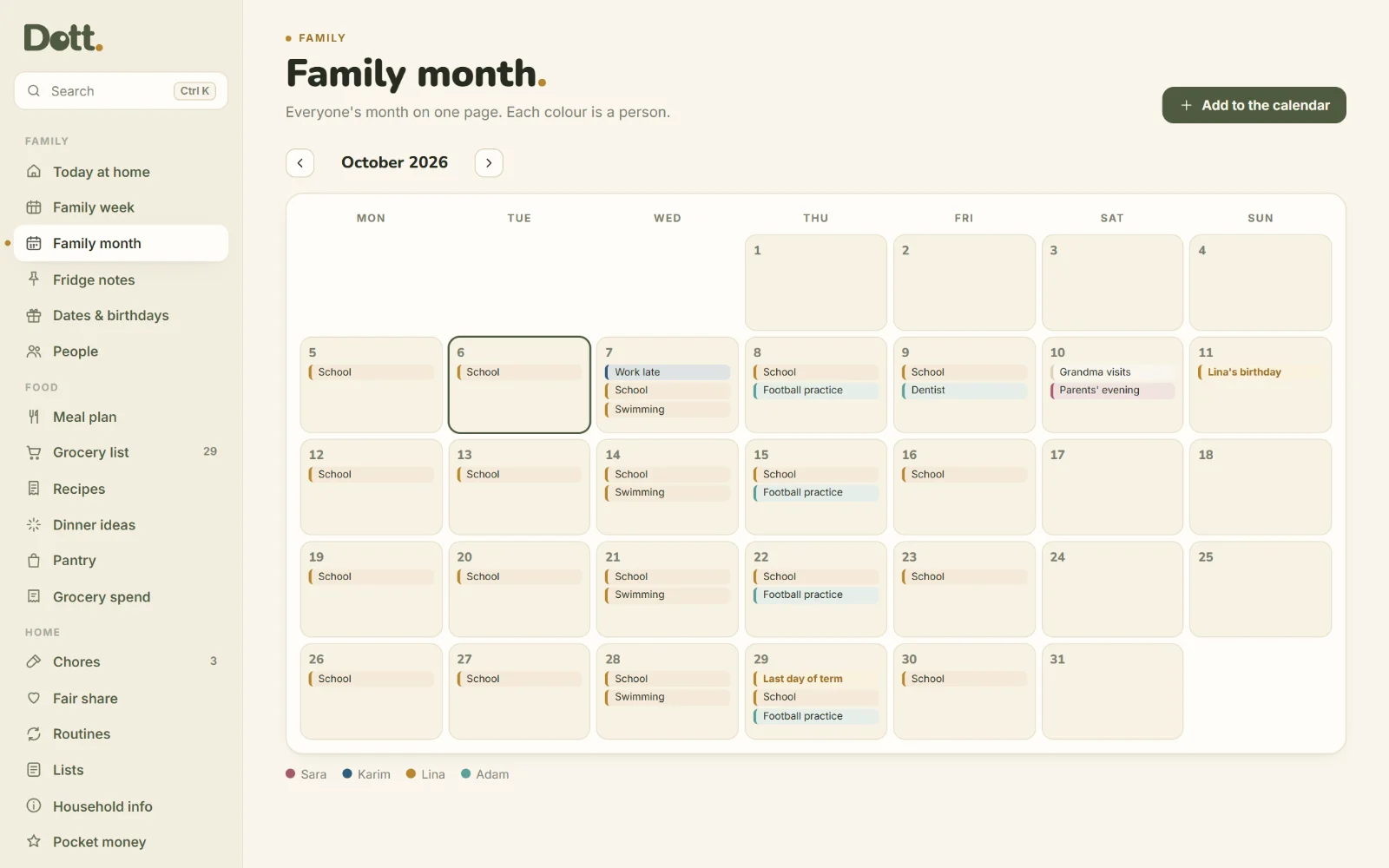
Notes on the fridge
"Back at 6." "PE kit on Thursday." Short notes the whole house sees, from one person to another.
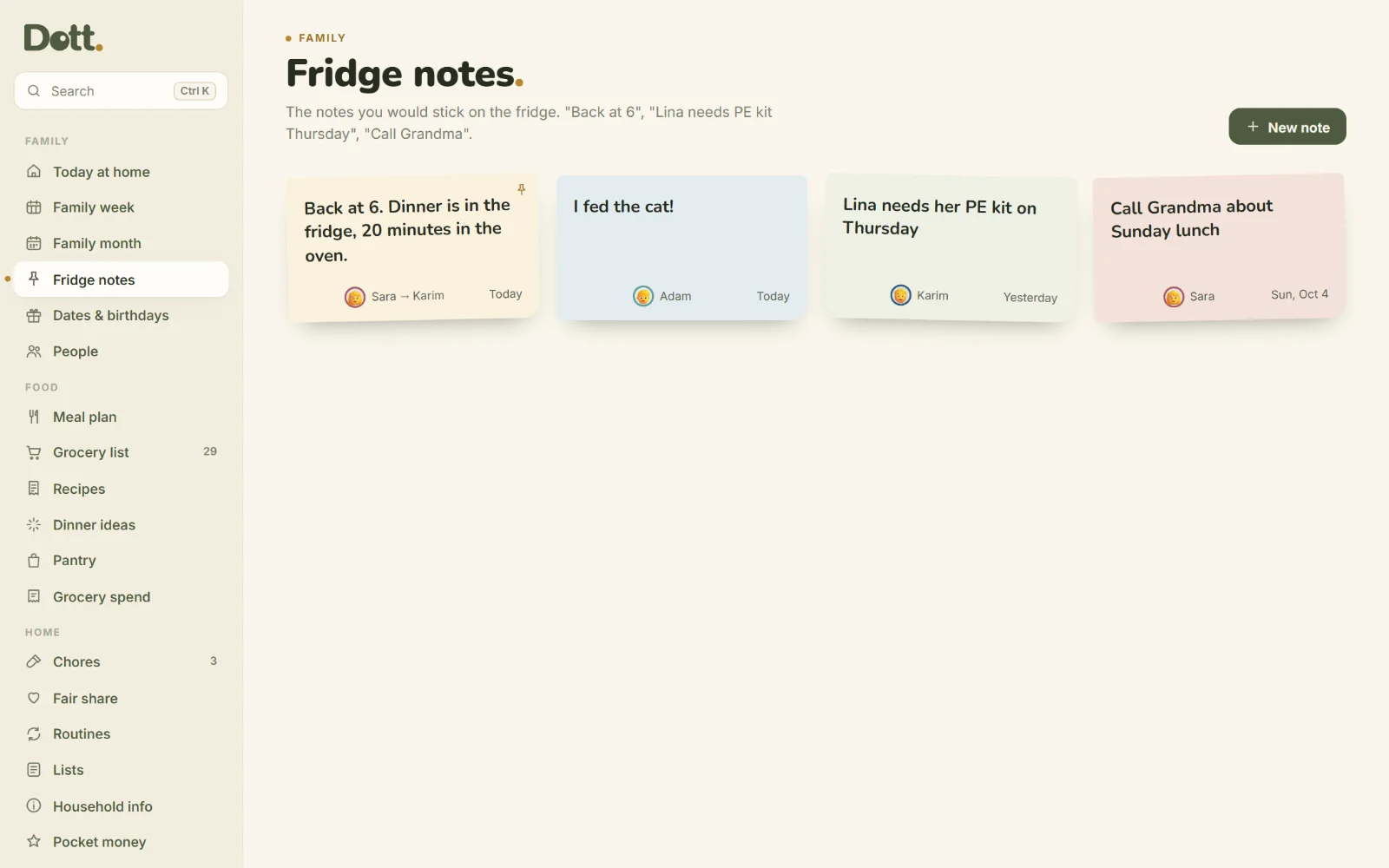
A fair share of the chores
Who did what over the last 30 days, counted from the chores you ticked. Not a scoreboard: a way to notice.
Pocket money they can see
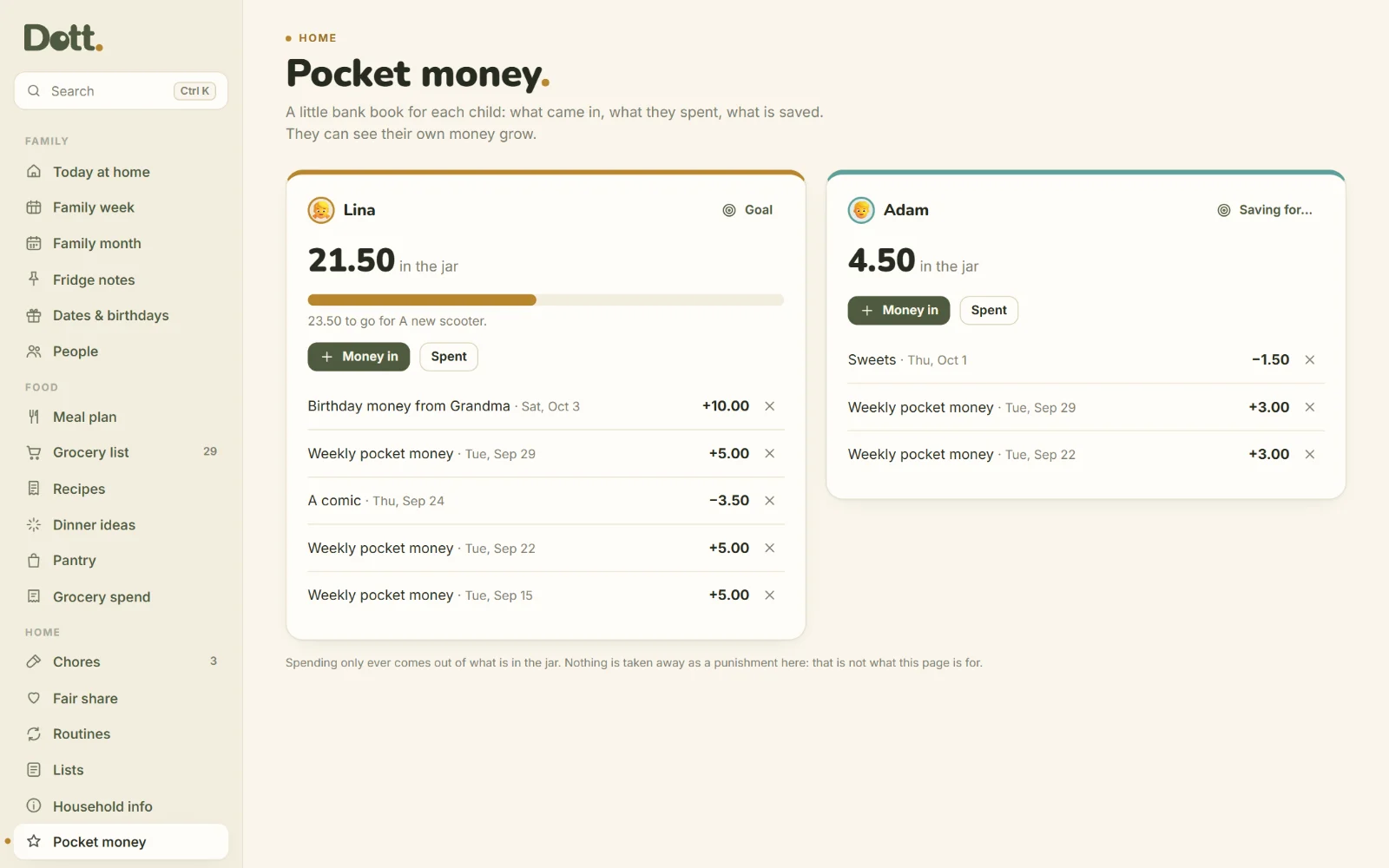
A jar for each child: money in, money spent, and a goal to save for. Nothing is ever taken away as a punishment.
Pantry and grocery spend
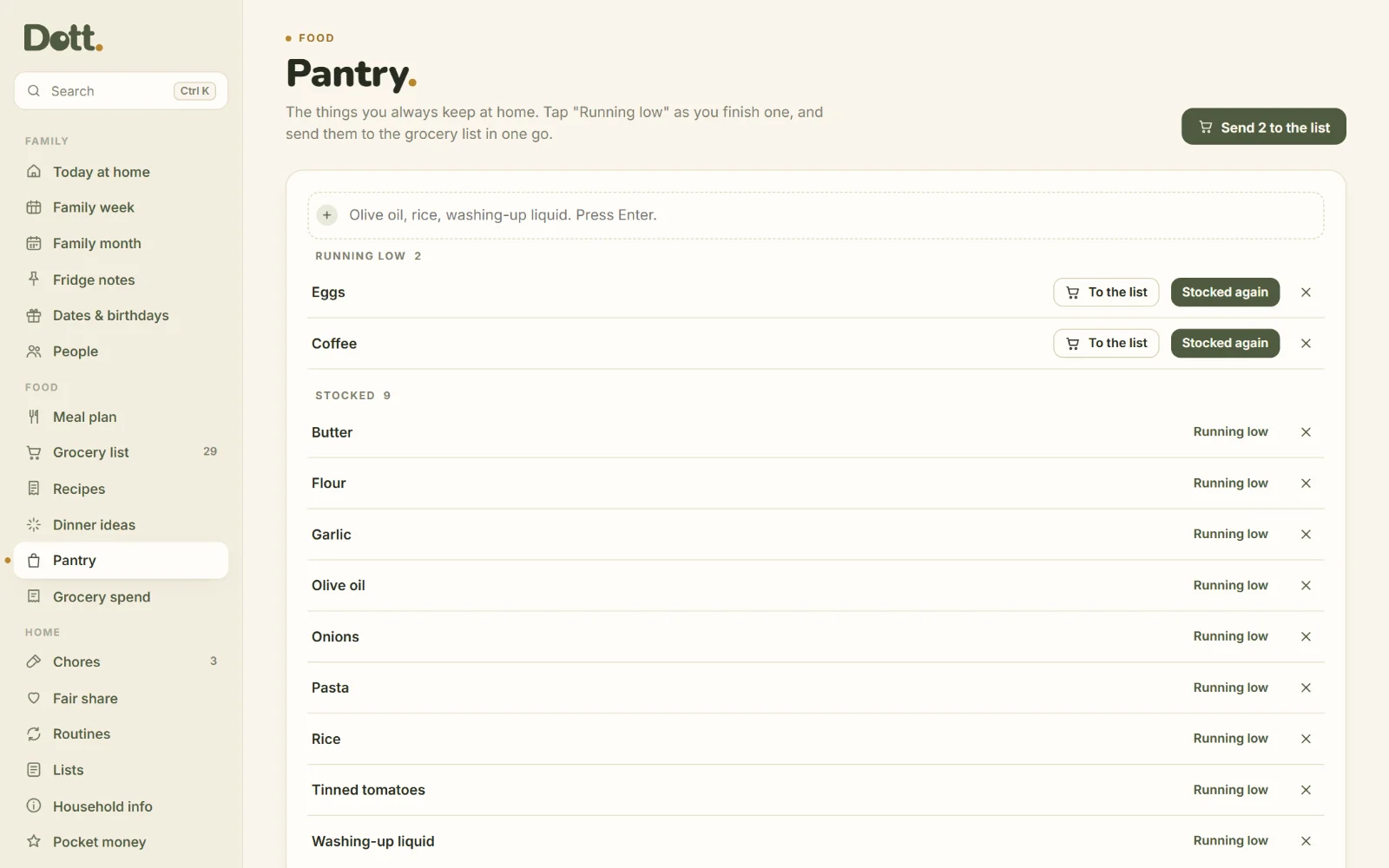
Tap "running low" as you finish something and send it to the list. Note what the shop came to, once a week.
At the shop, on the school run.
Plan on your computer, then send the grocery list to your phone with the Copy button, or print the week for the fridge.
- Best on a computer
- Works offline
- 15 colour palettes, light and dark mode
Set up tonight. Use it tomorrow.
Get your link
Buy once. You get your link, your personal licence key, and the files to keep for good.
Open it
Open the link and type your key once. It opens like an app. No install and no account.
Add your family
Names and colours, a few favourite recipes and the chores that cause arguments.
Plan the week
Ten minutes on Sunday. The grocery list writes itself.
One price. Yours to keep.
Dott. Family & Meals
Paid once. No subscription.
Updates to version 1 are free.
- The appOne HTML file. 20 sections, 15 palettes, light and dark.
- 13-page user guideEvery screen explained with pictures.
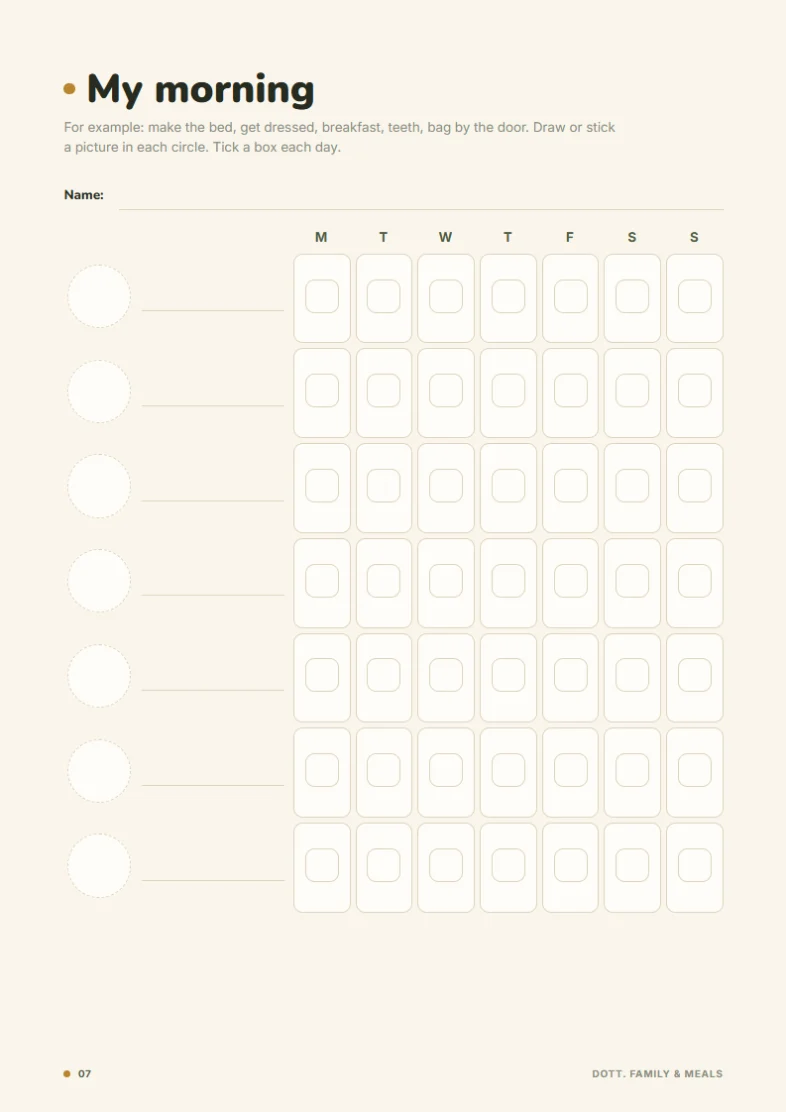
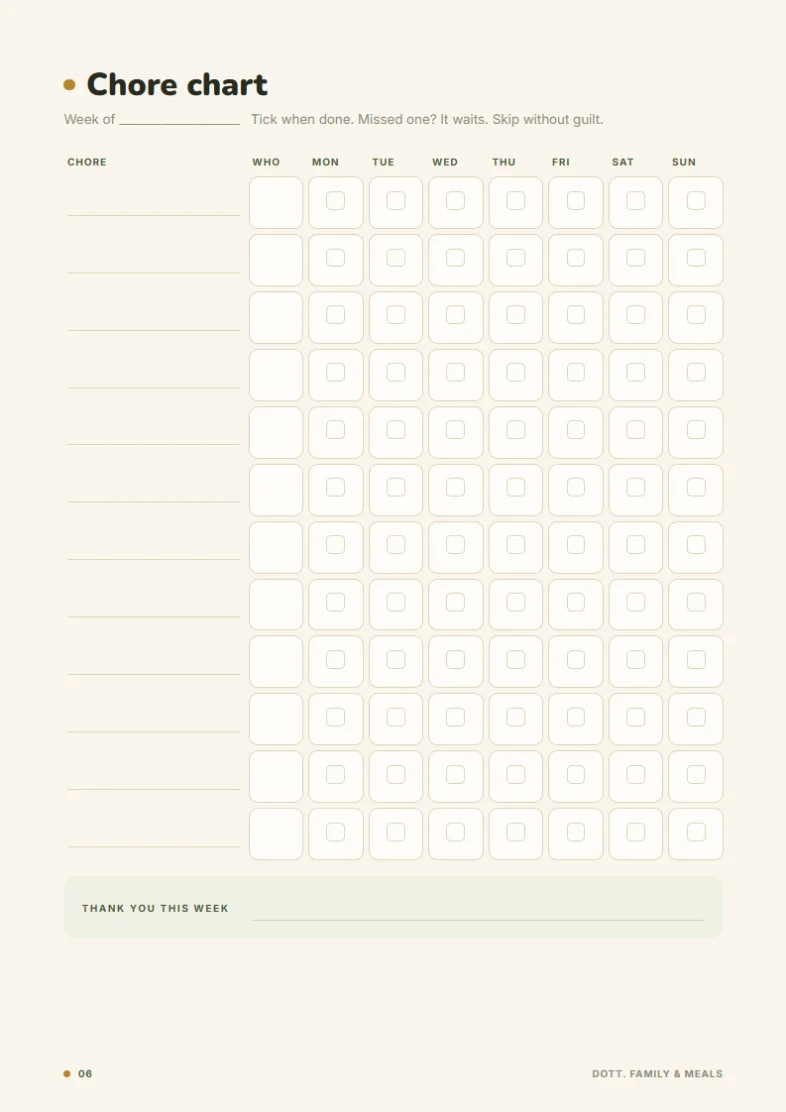
- Printables BonusMeal plan, grocery list, chore chart, kids routine charts, recipe cards and more. 11 pages.
50% off until Friday 31 October 2026, then $35.99. Secure checkout on Payhip, instant download, 14-day refund.
For the fridge and the kitchen drawer
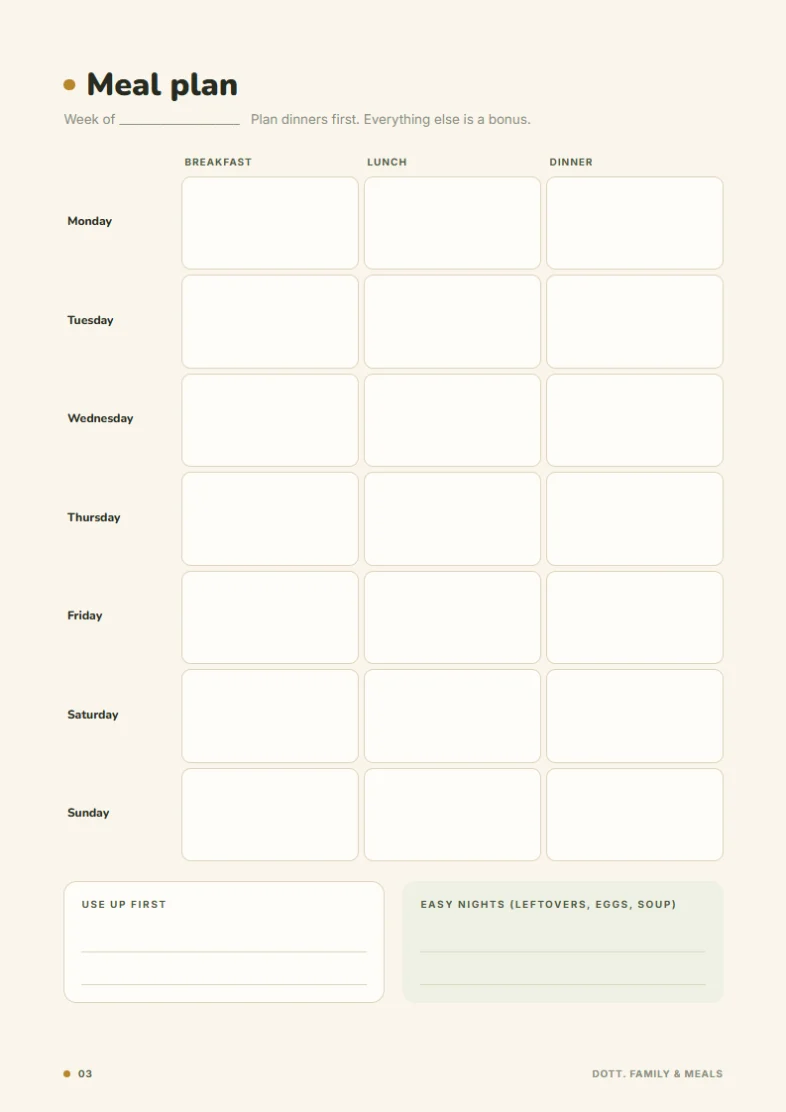
- Meal plan
- Grocery list by aisle
- Family week
- Chore chart
- My morning
- My bedtime
- Recipe cards
- Household info
- Packing and school lists
Good to know.
Is it a subscription?
No. You pay $18 once and keep the file. There's nothing to renew.
Can my partner use it too?
Not live. Dott. has no account and no cloud, so two devices don't update each other. Most families keep one plan and share the grocery list with the Copy button, or the week with Print. You can also move everything to another device with the backup file.
Does it work on my phone?
Yes. Your download includes a link you open with your personal licence key. Open the link on your phone, type your licence key once, and add it to your home screen: it then opens like an app and works offline, with no unzipping. On a computer you can use the link too, or open the file itself.
Is it the same as the Dott. Planner?
No. The Dott. Planner is for your own days, habits and goals. Family & Meals is for running the home: the family week, meals, groceries and chores. They work side by side.
Where is my family's information stored?
Only in your browser, on your device. We never see it. Download a backup file now and then from Settings, and keep it somewhere safe.
Does it connect to Google Calendar?
Not live. You can export your family's events as a calendar file (.ics) and add them to Google, Apple or Outlook.
What if the file doesn't open?
Write to hello@dottshop.store. A person reads every message and will help you get it working.
Write to a human.
No ticket numbers and no chatbot. This address goes to a real inbox, and a person reads every message.
Plan the week once. Stop asking all week.
One file. No sign up. No monthly fee. Add your family tonight and plan Sunday's shop in ten minutes.
- Instant download
- One-time payment
- Works offline
- Stays on your device