Your teaching week, off your mind.
For teachers juggling a paper planner, a marks spreadsheet and a register on a clipboard. Dott. Teacher keeps the timetable, lessons, marks and attendance in one calm place.
It opens like an app from your own link, on your laptop, tablet or phone. No account, no app store, no monthly fee, and everything stays on your device.
- Gradebook with weights
- Works offline
- Student names stay private
- Pay once, keep it
$20 once. 50% off until 31 October, then $39.99. Never a subscription.
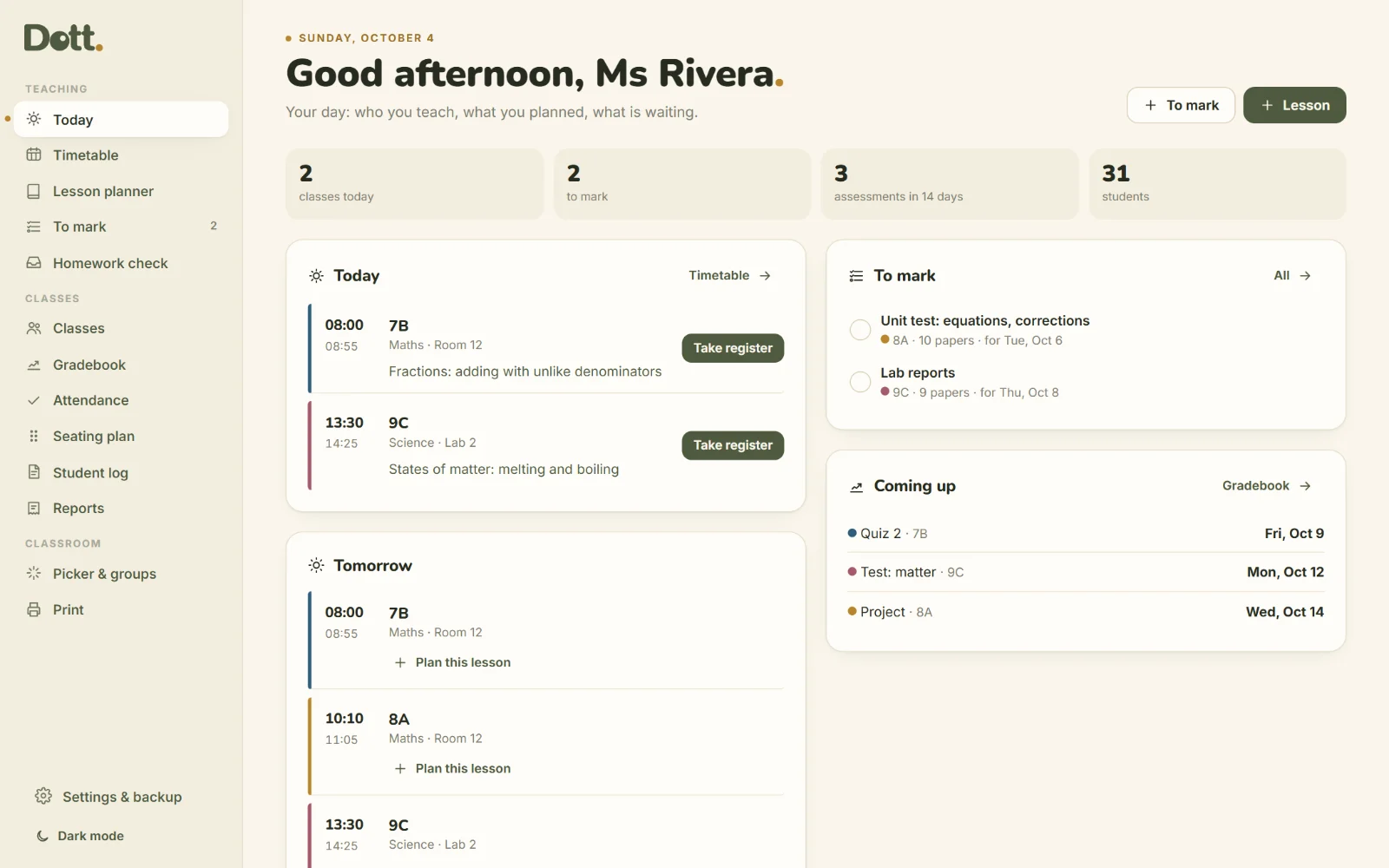
The admin side of teaching, made small.
A planner here, a spreadsheet there, the register on paper, and the marking pile in your head. Dott. Teacher puts it in one place you pay for once, with no school account needed.
The usual way
- A planner, a spreadsheet and a clipboard
- Averages worked out by hand
- The same lesson typed for each class
- A subscription for every tool
Dott. Teacher
- One page for today
- Averages that explain themselves
- Copy a lesson to another class
- One price, paid once
The day adds up.
Registers taken, lessons taught and sets marked, counted on the page you open first.
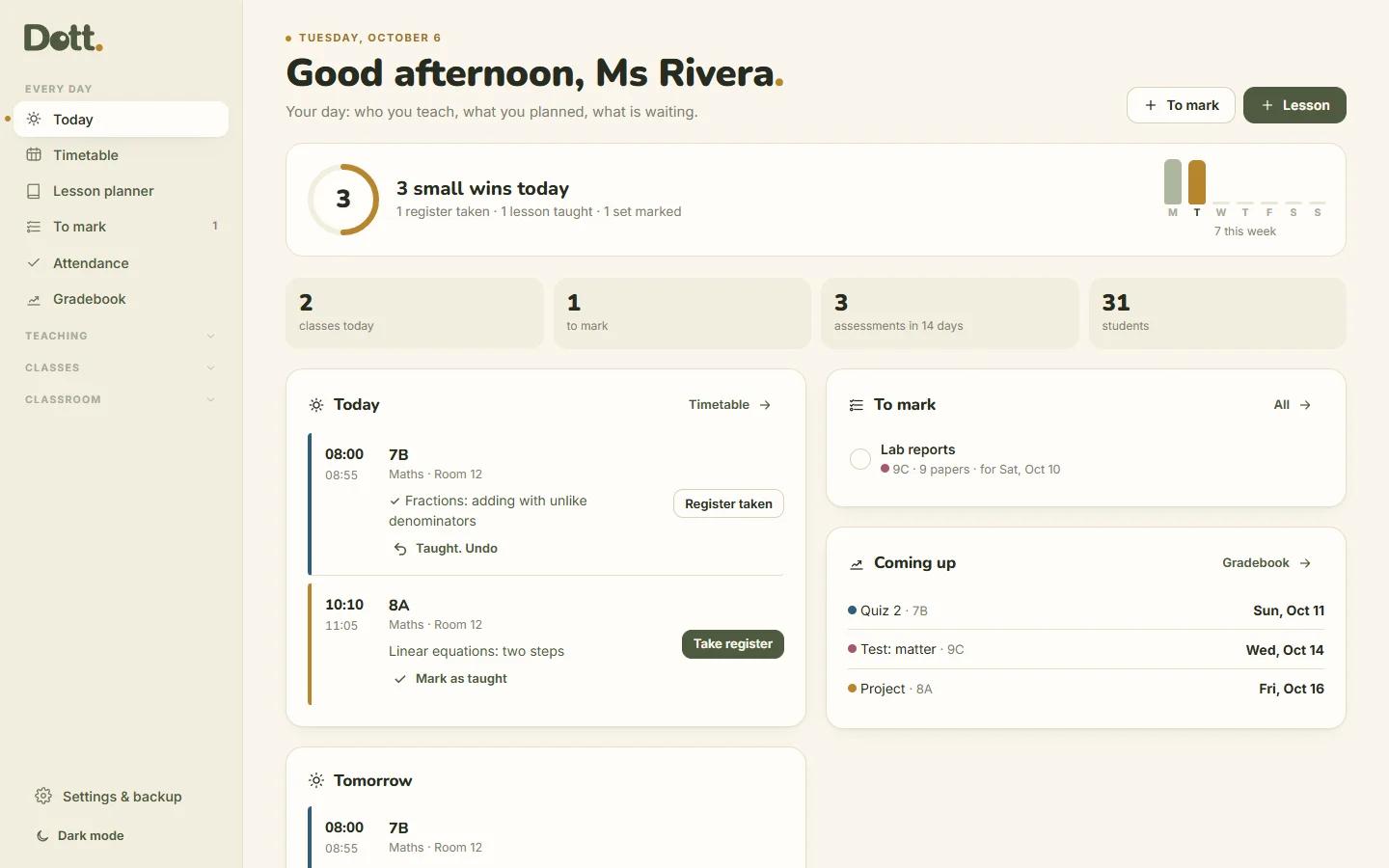
- Mark a lesson as taught from Today, next to the register.
- The day adds up: registers taken, lessons taught and sets marked.
- A shorter menu: the pages you open every day first, the rest one tap away.
- A soft "+1 small win" when you tick. No streaks, and nothing turns red.
Your whole week, calmly.
Today, on one page
Who you teach and when, the lesson you planned for each class, what is waiting to be marked, and the assessments coming up.
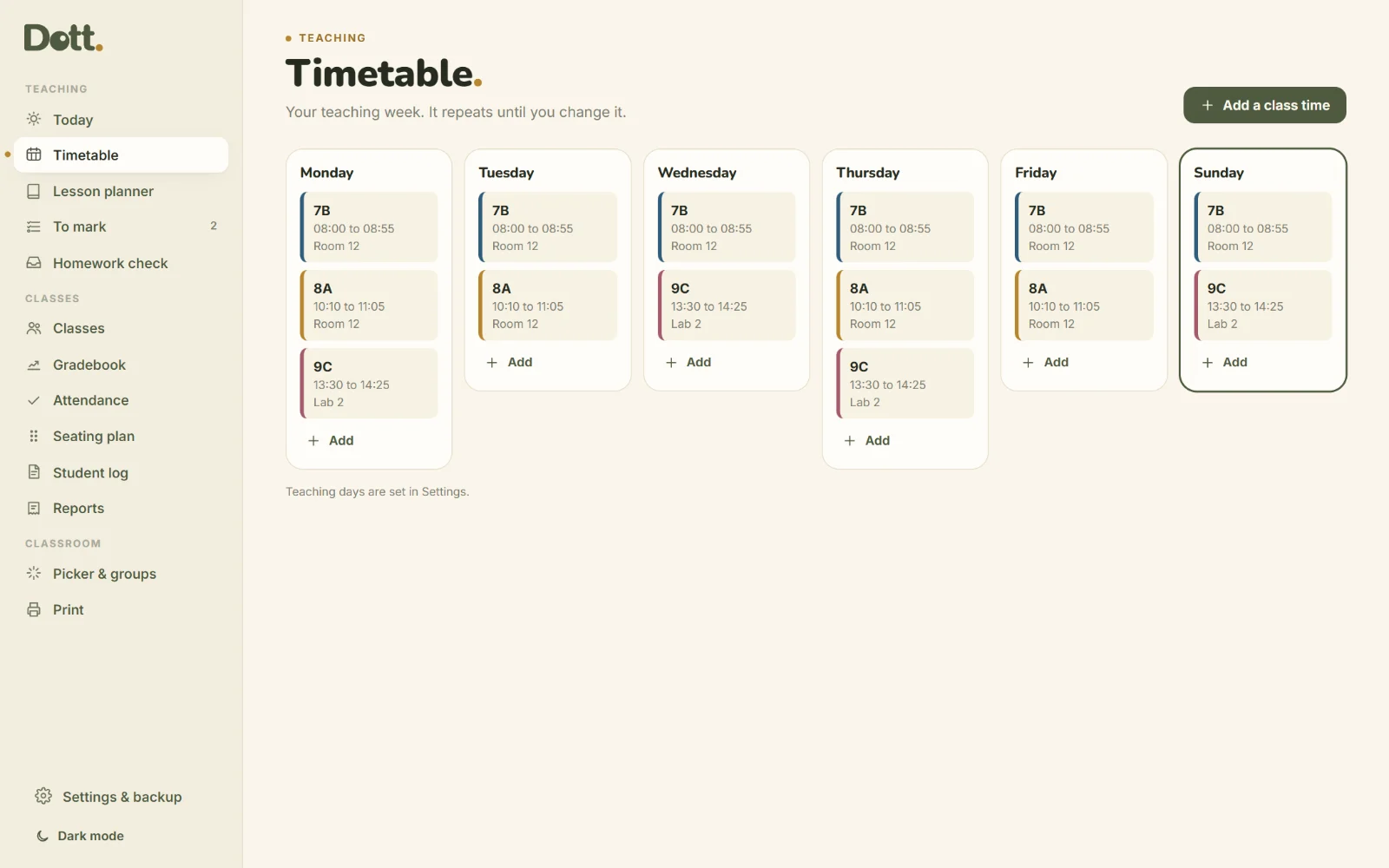
A timetable that repeats
Put each class on its days and times once. It fills Today and the lesson planner every week.
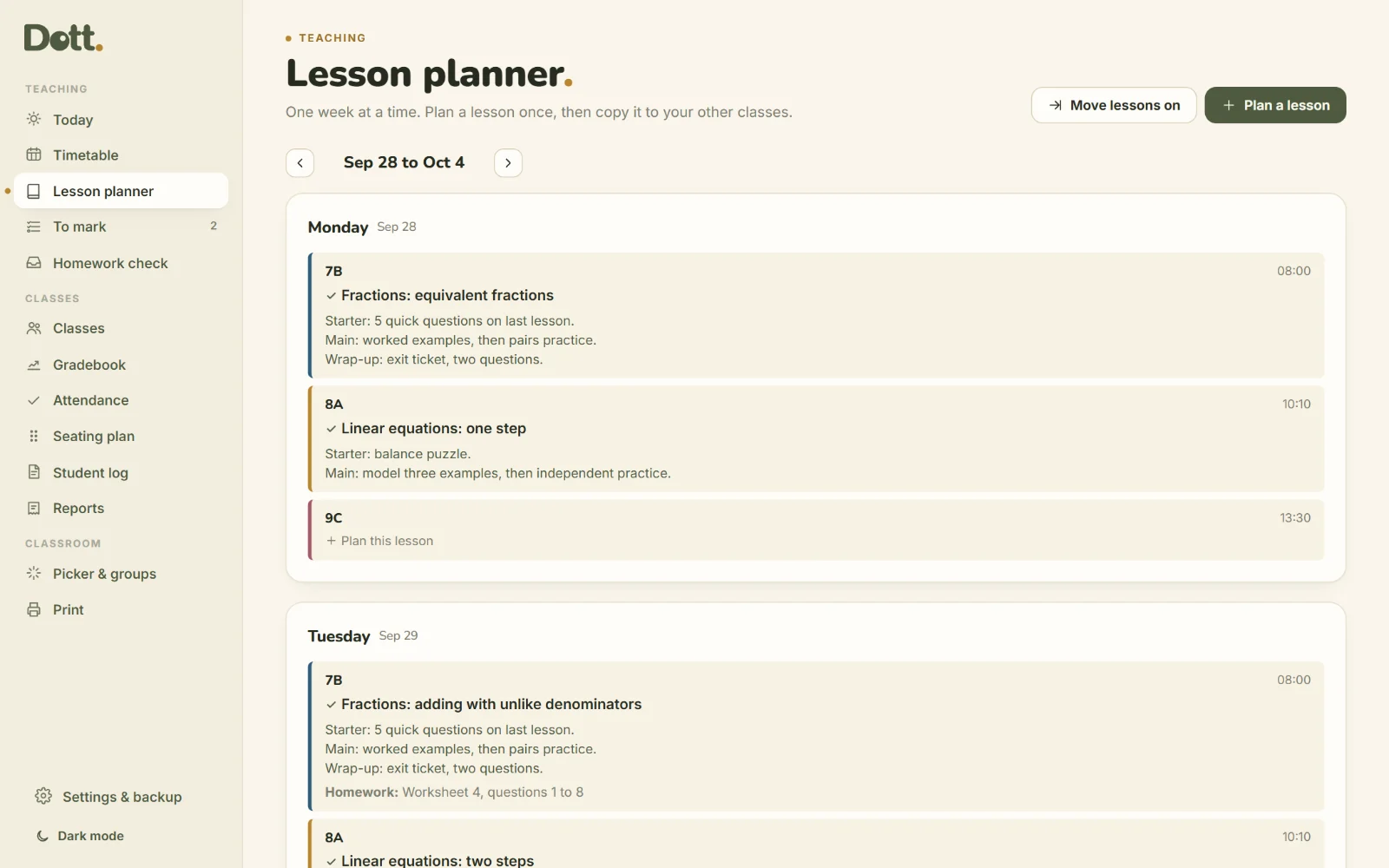
Lessons, a week at a time
Topic, plan, materials and homework for each class. Planned it for one class? Copy it to another class or another day in two taps.
A gradebook that explains itself
Type marks like in a spreadsheet, out of any maximum, with weights. The average is each mark ÷ its maximum, weighted. Work with no mark is left out, not counted as zero.
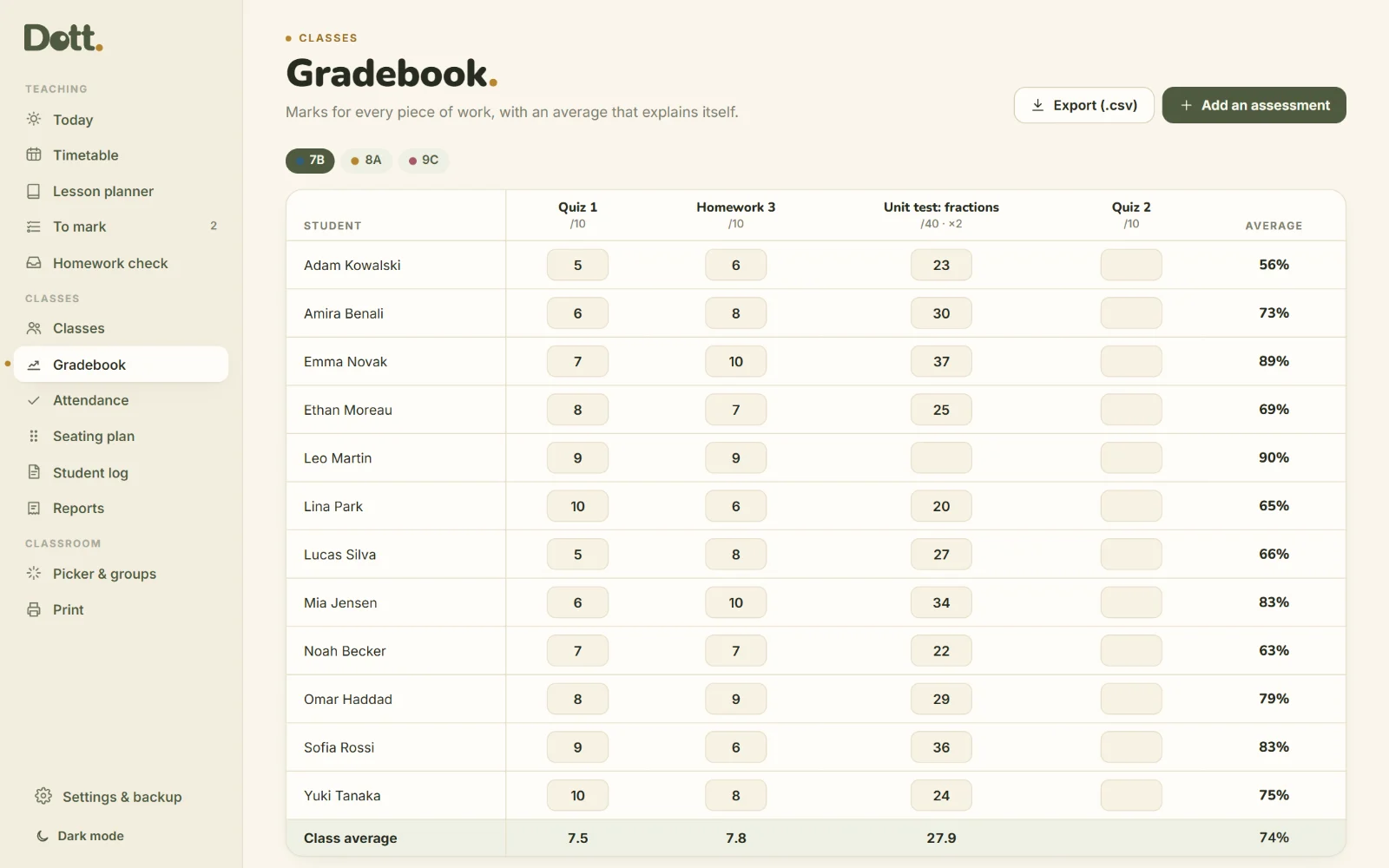
The register in a few taps
Everyone starts as present. Tap a name once for absent, twice for late. Absences and lates add up for each student.
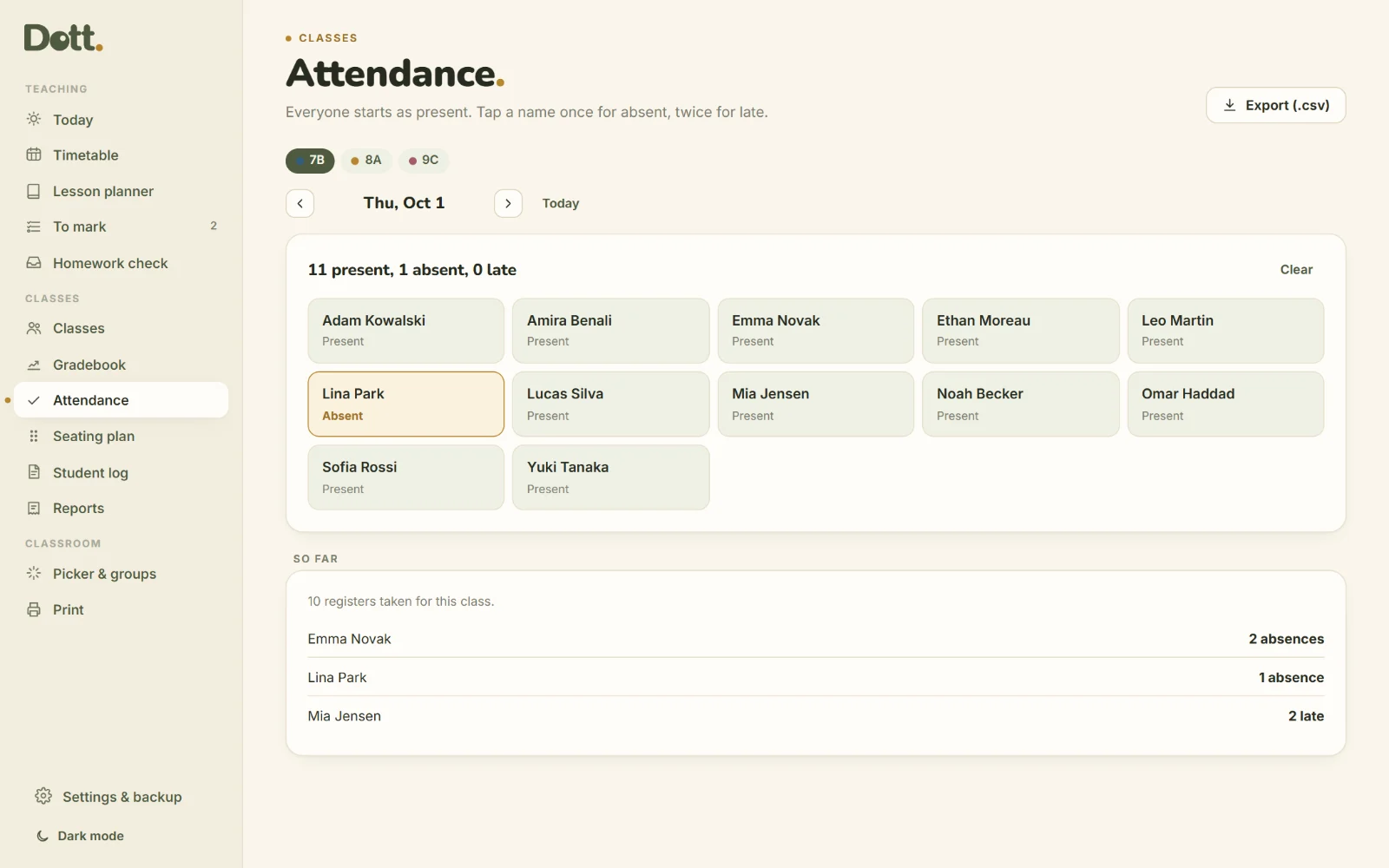
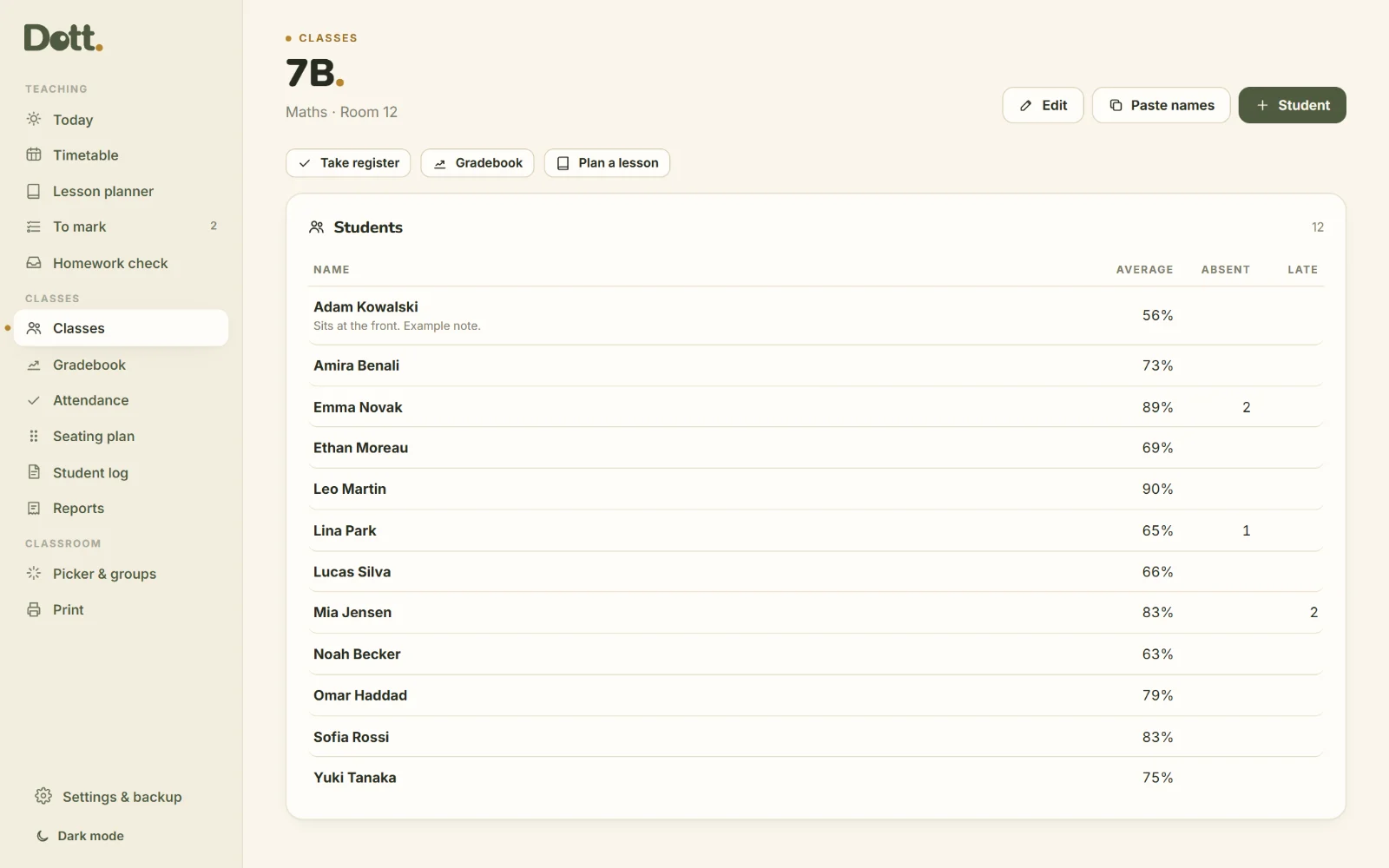
Classes and students
Paste the whole class list at once. Each student has notes, a parent contact, their marks and their attendance in one place.
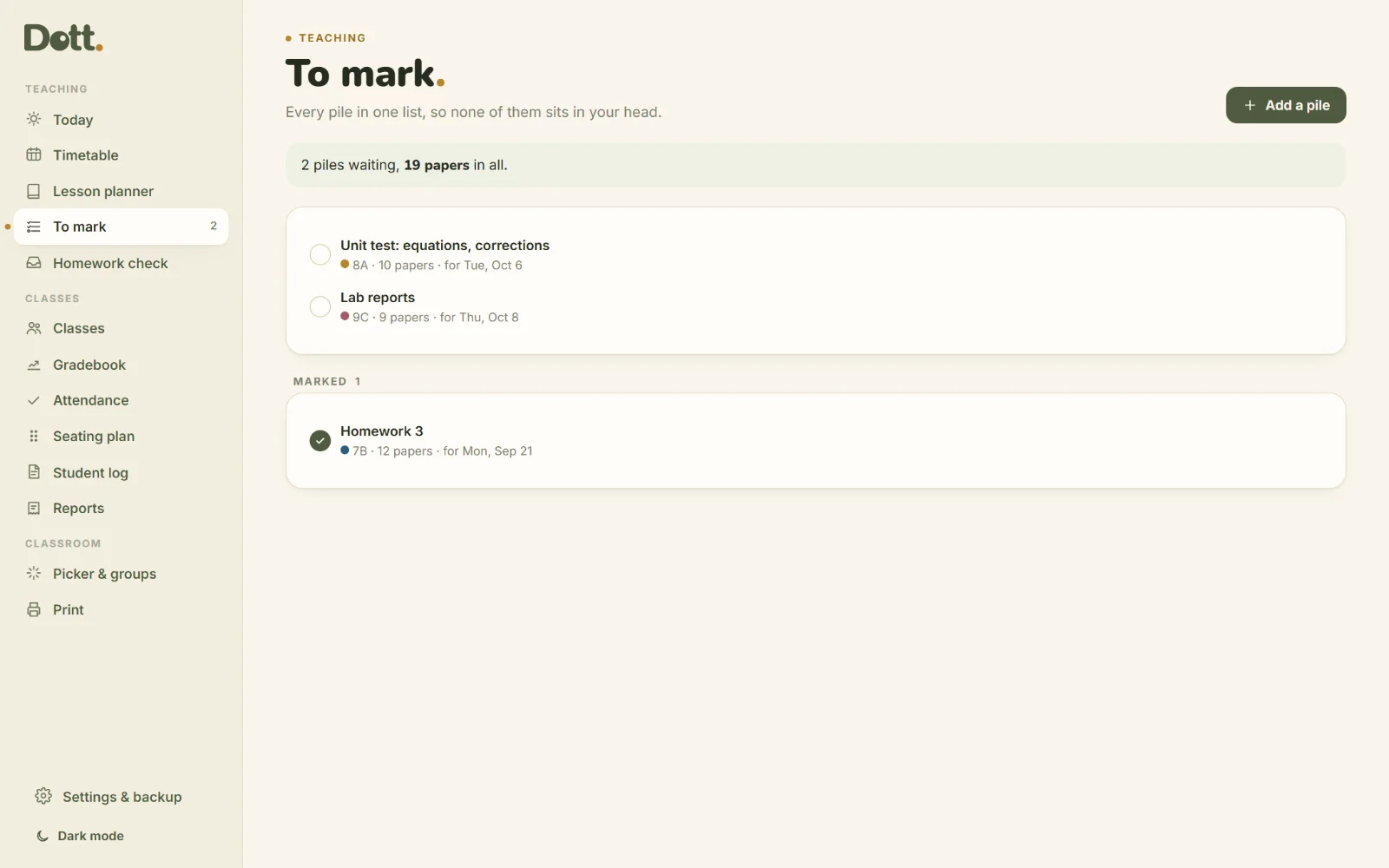
The marking pile, out of your head
Every pile in one list with its class, how many papers and when you want to give it back. Add the date to your calendar.
Paper when you need it
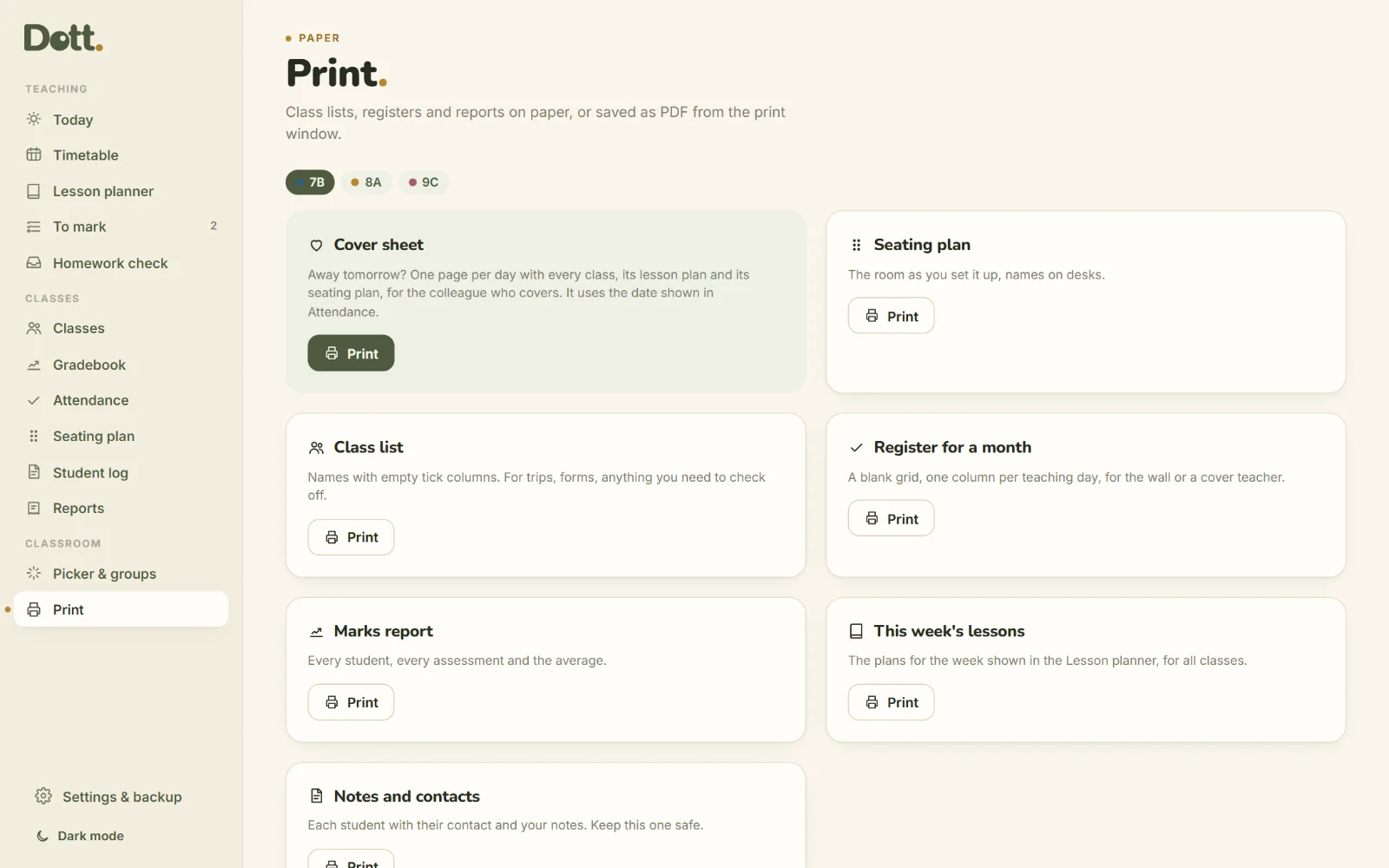
Print a class list with tick columns, a register for the month, a marks report, the week's lessons, or notes and contacts.
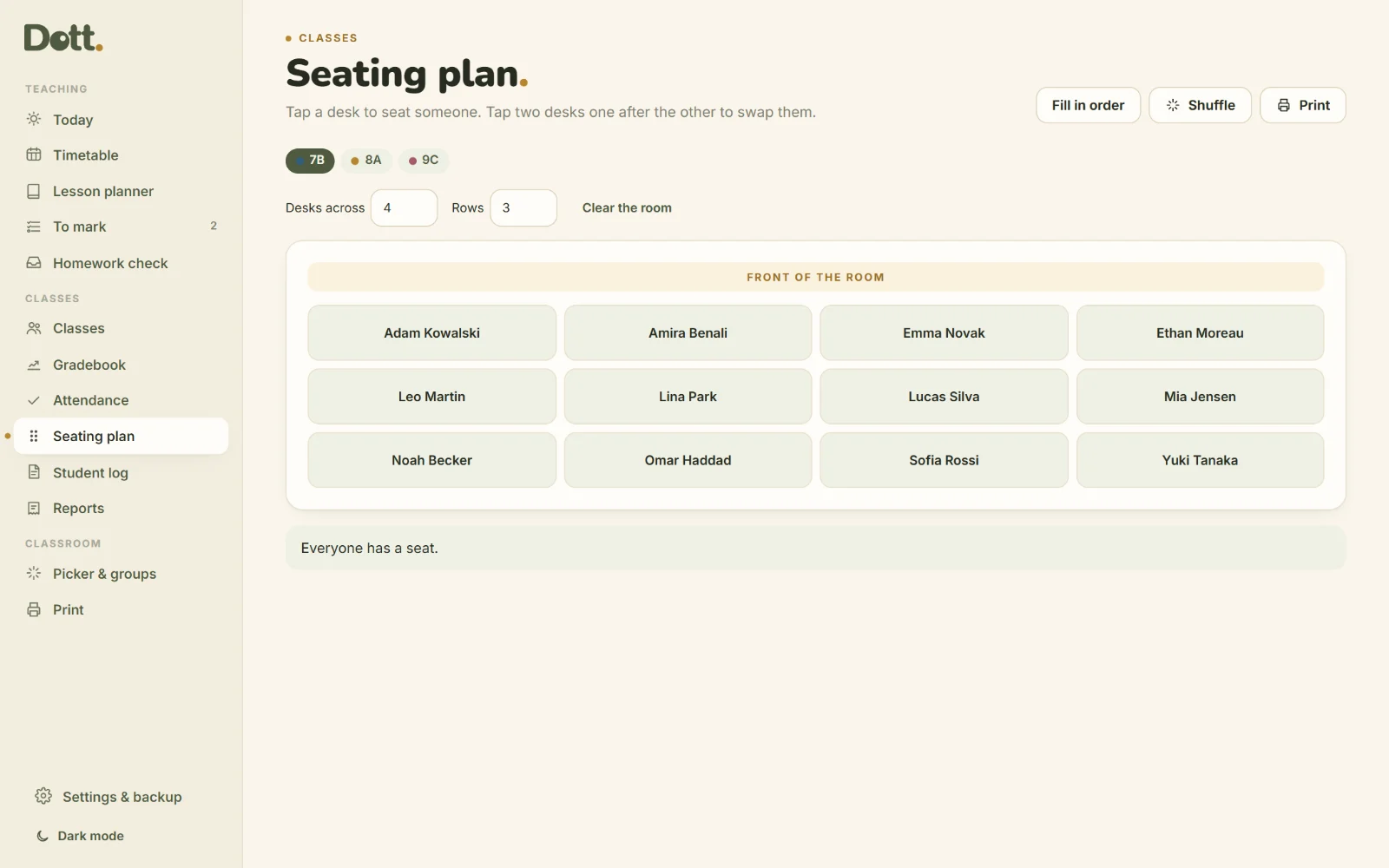
A seating plan you can shuffle
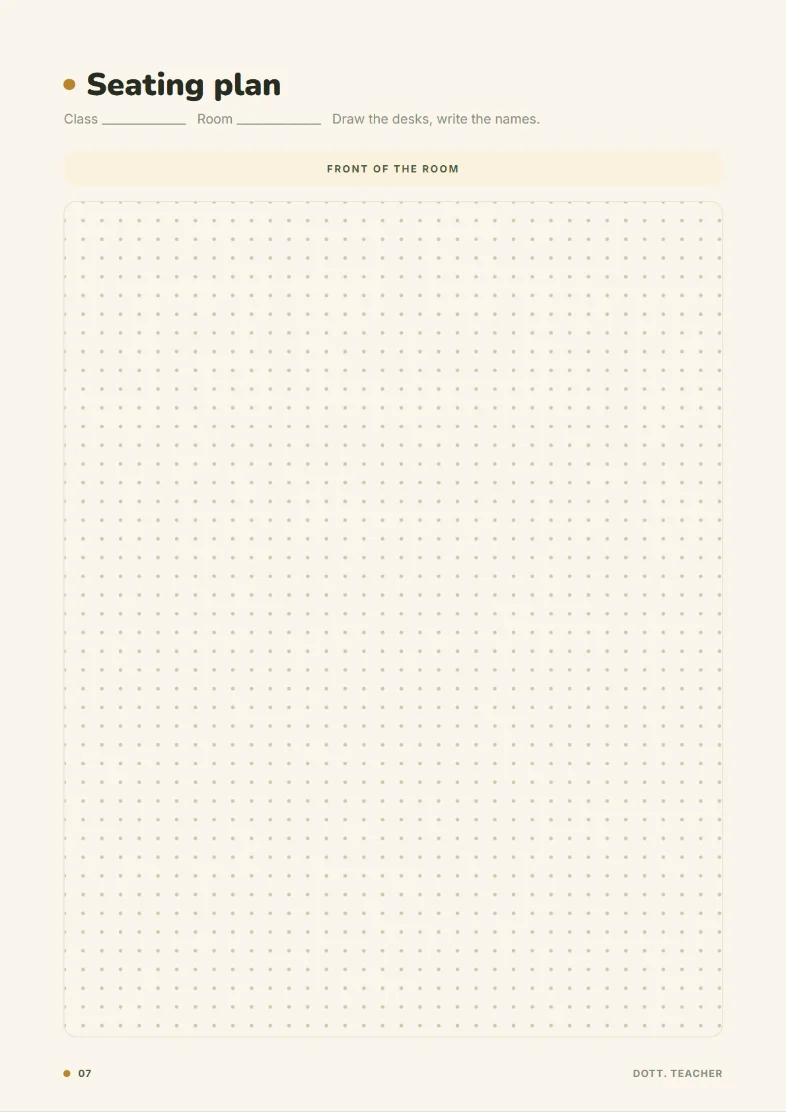
Set the desks, tap to seat each student, tap two desks to swap them. Fill in order or shuffle the room in one tap, and print it for the wall.
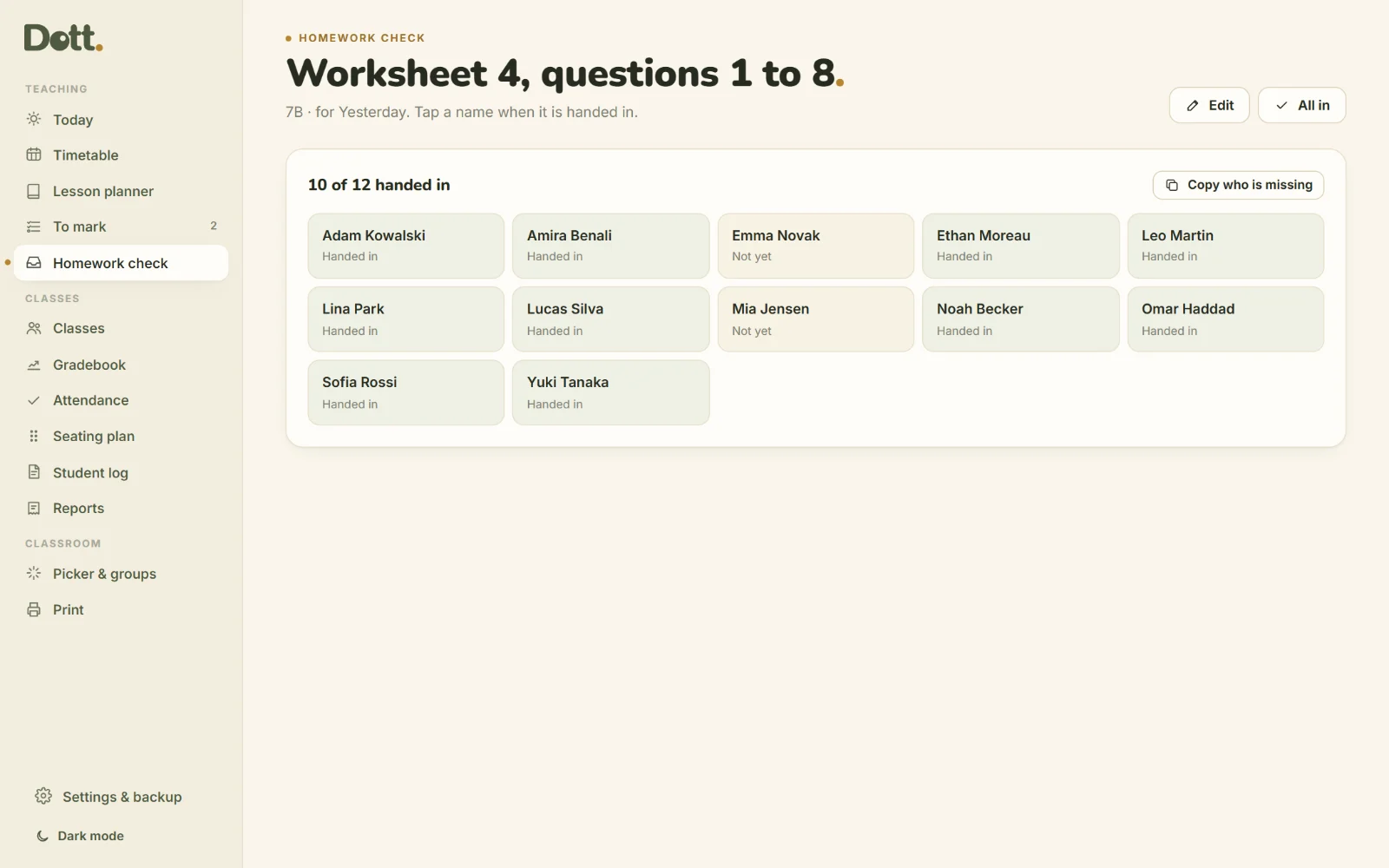
Homework: who handed it in
Set a piece of homework and tap the names as it comes in. The missing list writes itself, and students who miss twice are gently flagged.
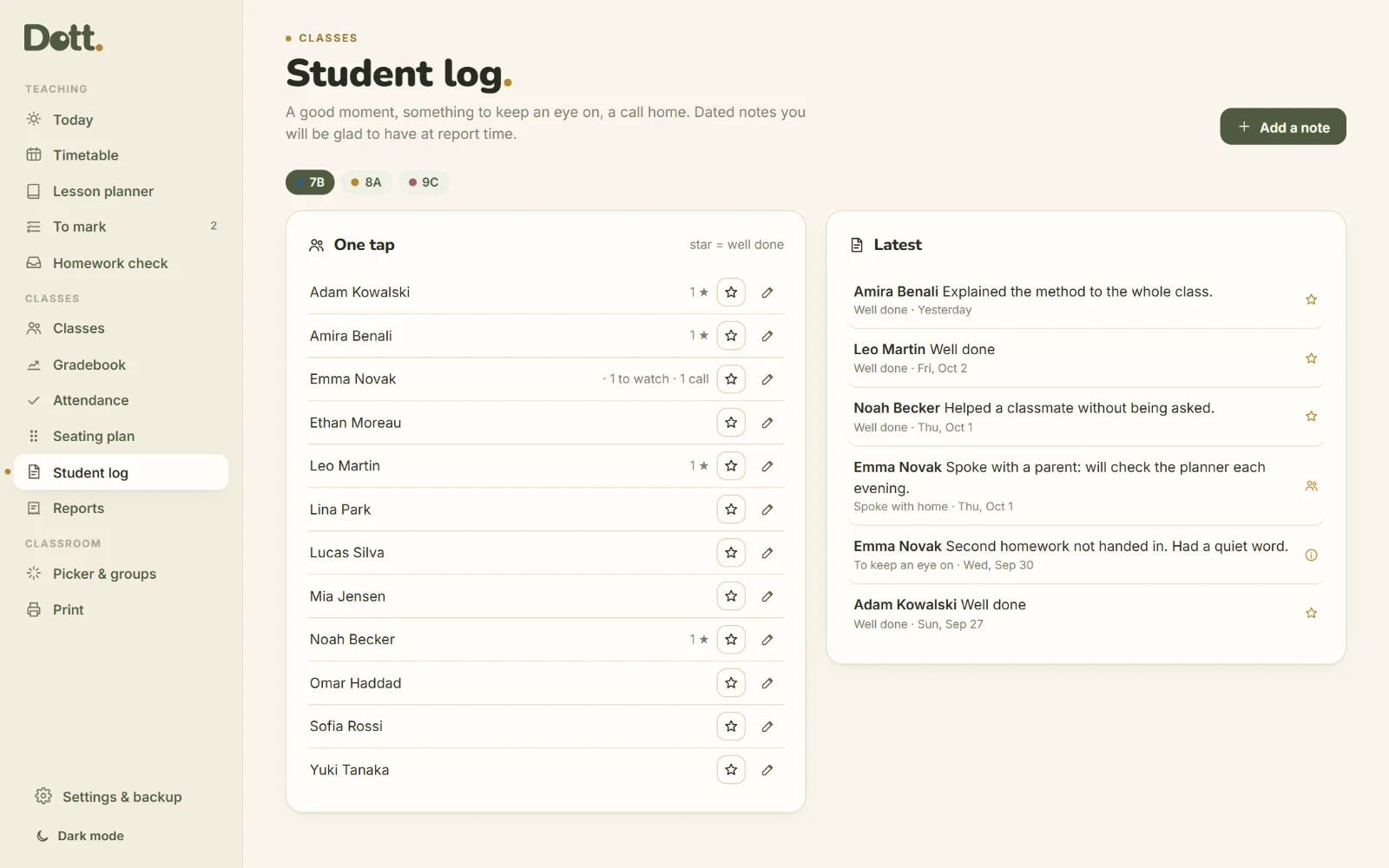
A log you will be glad of
A star for a good moment, a note for something to keep an eye on, a line when you speak with home. Dated, per student, ready at report time.
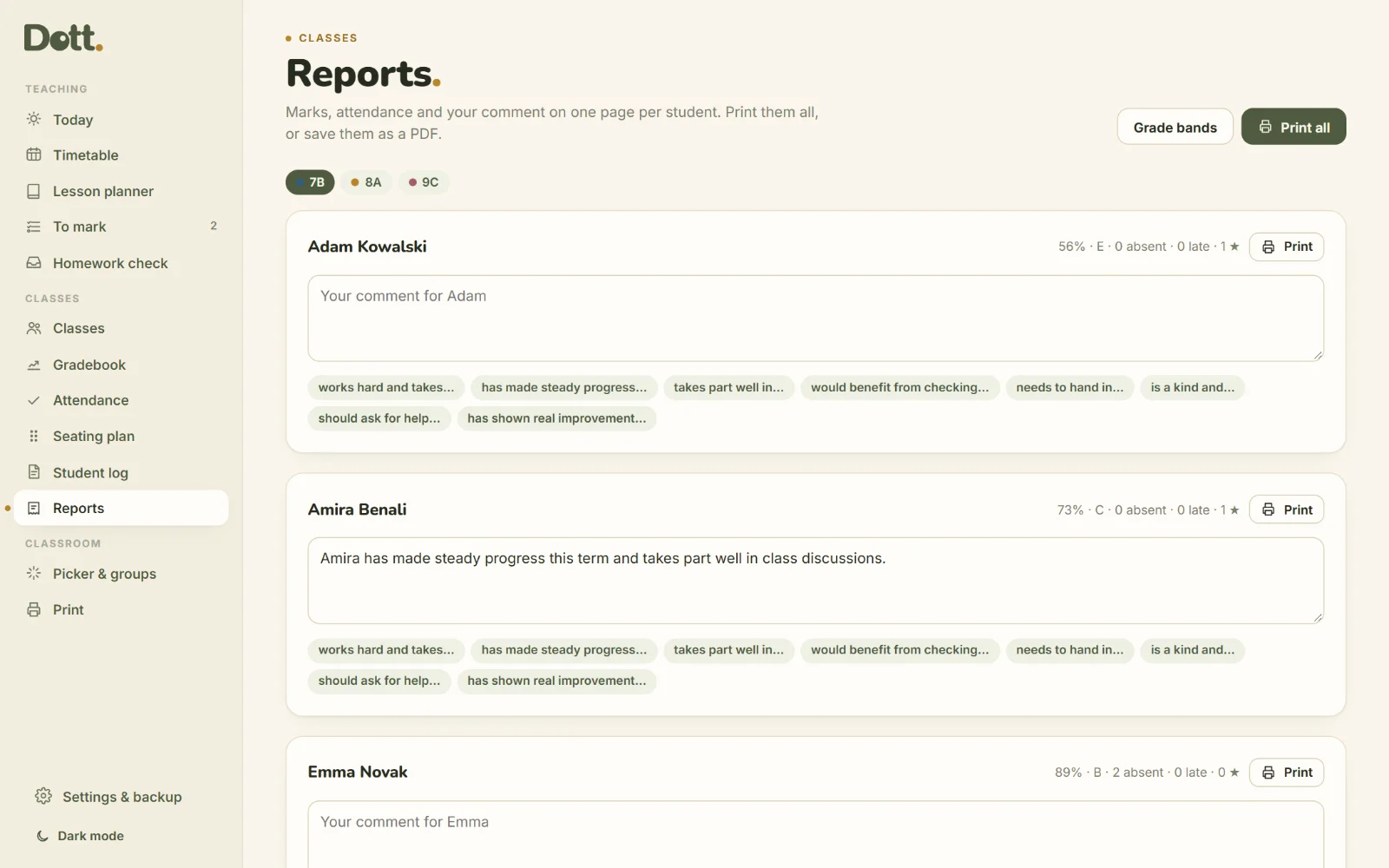
Reports, a page per student
Marks, average, grade, attendance and your comment on one page. Sentence starters help you begin, and grade bands are yours to set.
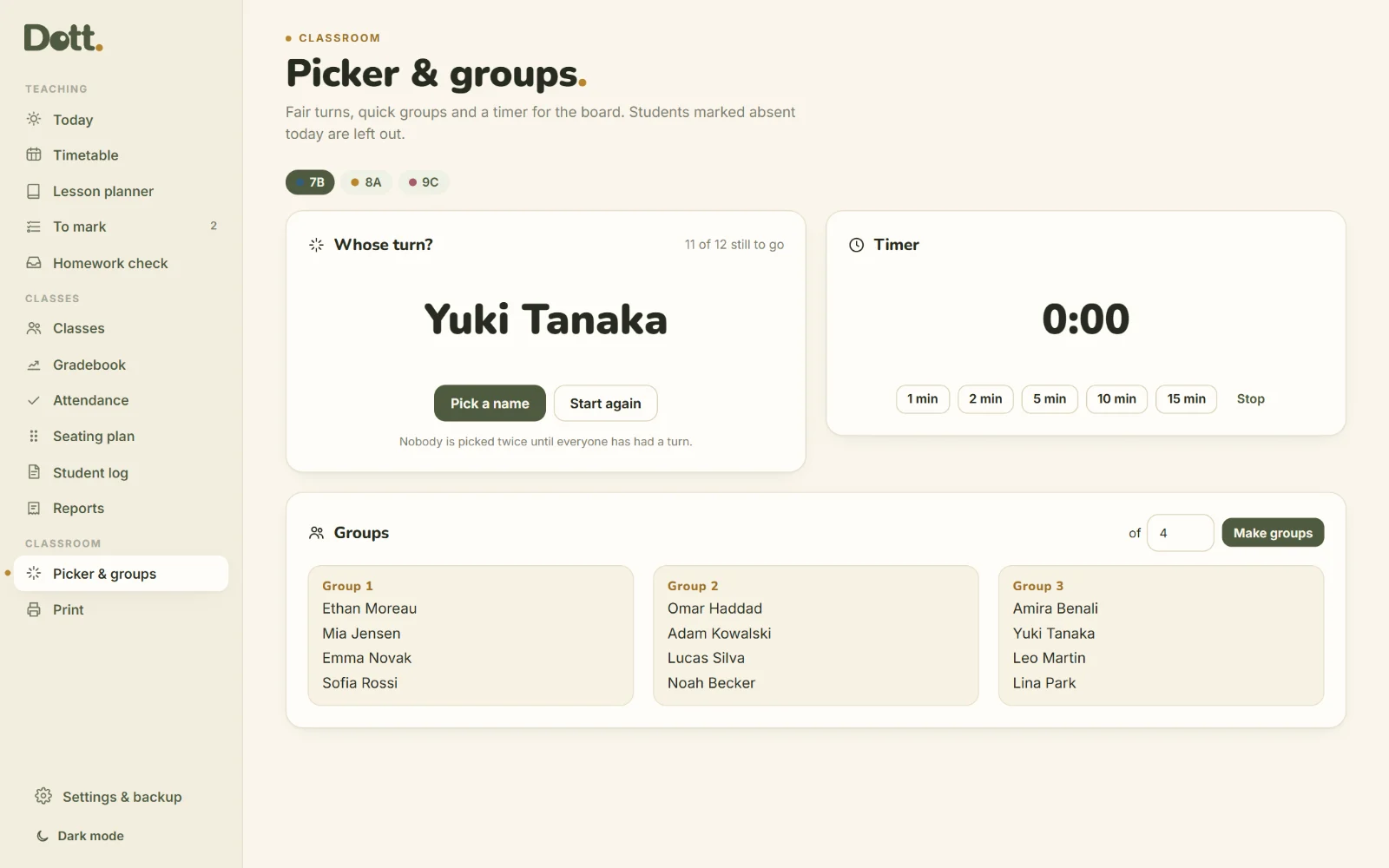
Picker, groups and a timer
A fair name picker that never repeats until everyone has had a turn, random groups of any size, and a countdown for the board.
In the corridor too.
Add it to your home screen and take the register on your phone while they sit down. It opens like an app and works with no signal.
- Opens from your own link
- Works offline
- Backup file to move between devices
One price. Yours to keep.
Dott. Teacher
Paid once. No subscription.
Updates to version 3 are free.
- The appYour own link, plus the file to keep for good.
- 10-page guideEvery screen explained with pictures.
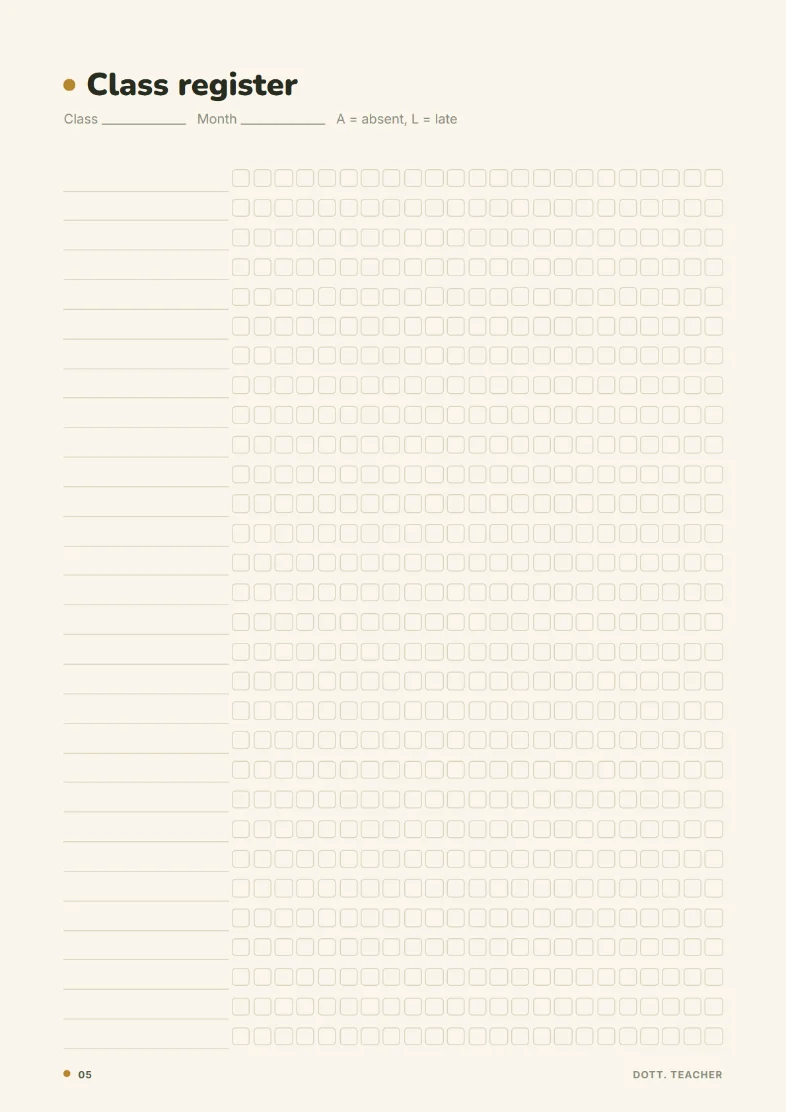
- Printables BonusWeekly plan, lesson plan, class register, marks sheet, seating plan, parent contact log, marking list and term overview.
50% off until Friday 31 October 2026, then $39.99. Secure checkout on Payhip, instant download, 14-day refund.
For the desk and the classroom wall
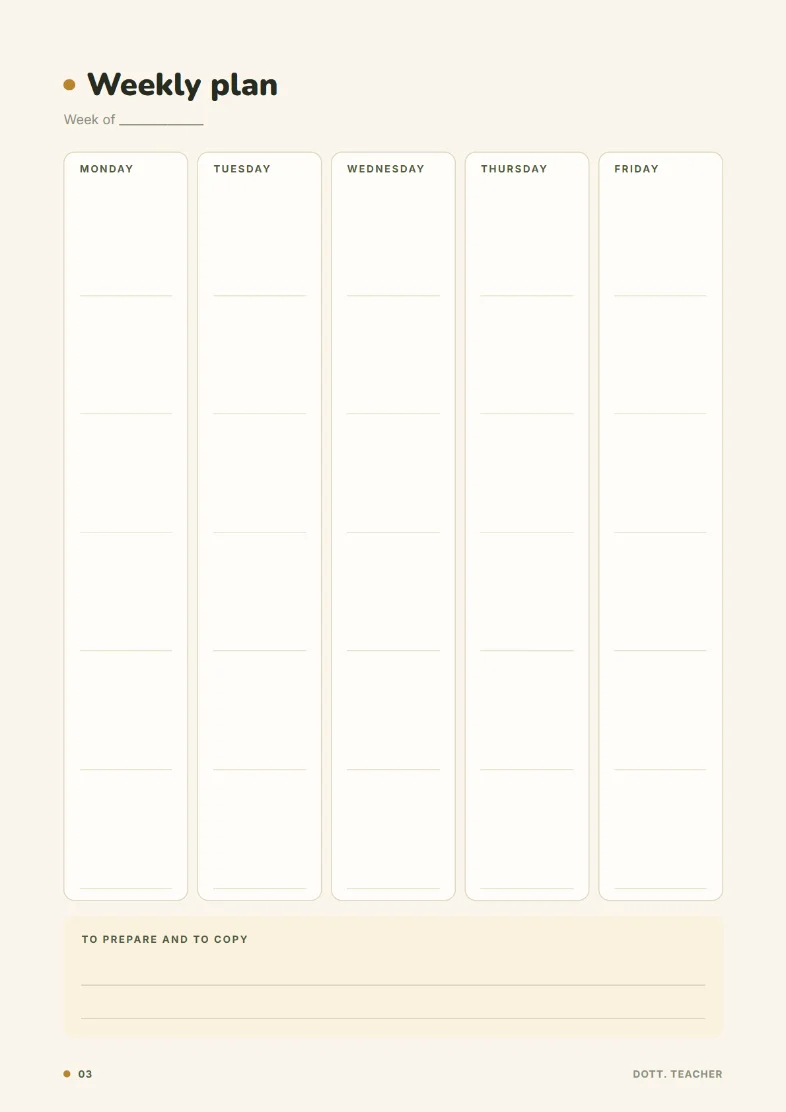
- Weekly plan
- Lesson plan
- Class register
- Marks sheet
- Seating plan
- Parent contact log
- To mark
- Term overview
Good to know.
Where are student names and marks stored?
Only in your browser, on your device. There is no account and no cloud, and Dott. never sees them. Backups are files you keep yourself, so store them where your school's rules say such records belong.
Does it connect to my school's system?
No. It is your own planner and markbook. You can export marks and attendance as .csv files and print lists.
Which grading scales?
Each assessment is marked out of any maximum and can have a weight. Averages are shown as a percentage, out of 20 or out of 10.
How many classes and students?
As many as you teach.
Does it sync with Google Calendar?
You can add an assessment or a marking date to Google, Outlook or any other calendar in one tap. It copies the date; it does not sync.
Is it a subscription?
No. $20 once until Friday 31 October 2026, then $39.99 once.
Write to a human.
A person reads every message.
Sunday evening, a little lighter.
Add your classes and paste the names tonight. Monday, take the register in a few taps.
- Instant download
- One-time payment
- Works offline
- Stays on your device